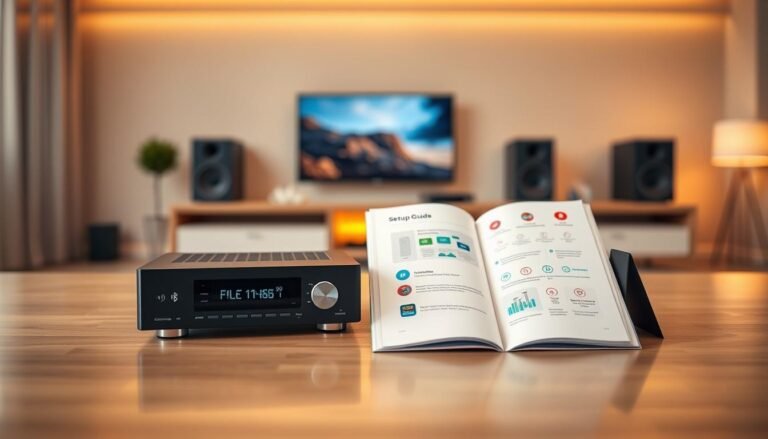
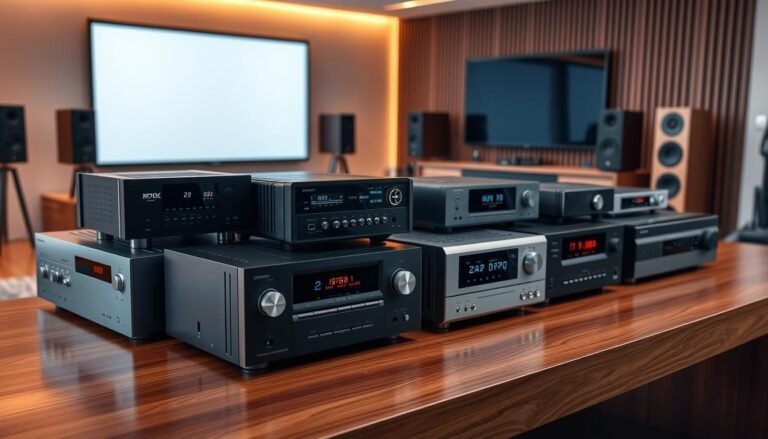
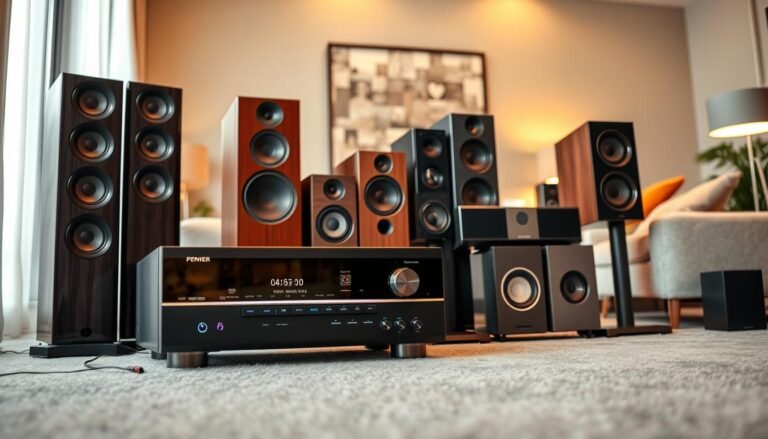
Choosing the right audio extractor can simplify a complex home theater. Hardware units remove the sound from an HDMI source while passing clean video to your display. This guide highlights dependable models from brands like J-Tech Digital, Avedio Links, Amazon Basics, OREI, and ROOFULL so you can match a unit to your source and playback devices without guesswork.
Expect clear video pass-through and selectable outputs such as 3.5mm stereo, RCA, Toslink S/PDIF, or coaxial digital. We focus on units that support HDMI 2.0, 4K@60Hz pass-through, HDCP 2.2, and EDID controls. Some devices also handle ARC or offer EDID management for smoother setups.
Why this roundup helps: it balances features, reliability, and price. You’ll learn which models favor quality, format support, or future-proofing (like OREI’s 18 Gbps and J-Tech’s 8K option). Practical tips cover handshake issues, silent optical outputs, and choosing the correct output for your receiver or soundbar.
Key Takeaways
- Look for 4K@60Hz and HDCP 2.2 support for modern sources.
- Choose outputs that match your playback gear: optical, coaxial, RCA, or 3.5mm.
- EDID controls and ARC handling prevent common format and handshake issues.
- Budget options like Amazon Basics suit simple setups; J-Tech and OREI offer advanced features.
- Verify compatibility with your source and receiver before you buy.
What is an HDMI audio extractor and who needs one?
A compact hardware box can split an HDMI feed so video keeps going to the screen while audio is routed elsewhere.
In plain terms: a hdmi audio extractor separates the audio signal from an hdmi stream and passes video through to your display. It offers analog (3.5mm/RCA) and digital (Toslink S/PDIF or coaxial) outputs so you can feed speakers, soundbars, or an AVR directly.
These devices commonly support HDMI 2.0, 4K@60Hz, and HDCP 2.2. That ensures you keep high-quality video while handling digital audio or stereo audio extraction for older gear.
- An audio extractor helps when a TV lacks a headphone jack or when speakers accept only optical or RCA.
- Use it to route consistent output independent of a TV’s ARC/eARC quirks.
- Professionals and gamers use extraction to send sound to mixers, capture cards, or low-latency headsets.
Extraction modes range from stereo downmix to bitstream pass-through for surround sound. Choose a unit that matches your sources and the outputs your system expects.
Editor’s picks at a glance for the United States (present)
This quick lineup focuses on models with steady user adoption and straightforward setup.
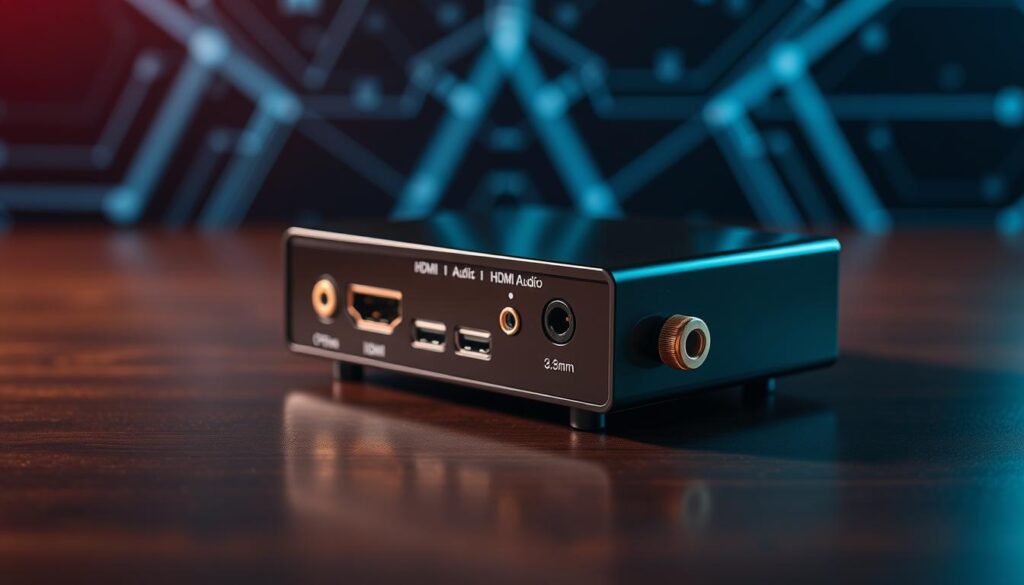
Our choice: J-Tech Digital 4K 60Hz extractor for quality and clicks
J-tech digital is a frequent bestseller with many clicks and reviews. It balances build quality, reliable signal handling, and broad device compatibility.
Low price pick: Avedio links ARC extractor and other budget options
Avedio links hdmi ARC units route TV ARC to Toslink S/PDIF or stereo. They provide a low-cost path to feed soundbars and AVRs without swapping equipment.
Trusted value: Amazon Basics 4K@30Hz HDMI to HDMI + audio
The Amazon Basics unit is praised for consistent pass-through, a metal enclosure, and simple 3.5mm/Toslink outputs. It’s a reliable choice for everyday hdmi audio needs.
- Solid pick: J-Tech Digital offers dependable handshakes and wide user support.
- Budget ARC: Avedio links hdmi is ideal when the TV is the audio source and S/PDIF is needed.
- Simple setup: Amazon Basics delivers stable output and a rugged case for home use.
- All three prioritize stable pass-through, useful outputs (including optical spdif), and broad format support to reduce compatibility issues.
Buying guide: how to choose the best extractor for your setup
Start with video compatibility. Confirm that your source and display both support 4K@60Hz, HDMI 2.0 bandwidth, and HDCP 2.2 pass-through. This prevents handshake failures and black screens with protected content.
Outputs matter. Pick a box with the outputs your gear accepts: 3.5mm or RCA for stereo, and Toslink S/PDIF or coax for digital audio. If your soundbar or AVR needs spdif, prioritize units that list toslink spdif support.
Formats and surround. Decide if you need stereo audio only or Dolby/DTS passthrough for 5.1. Some models downmix to PCM; others pass bitstream for full surround. Choose based on what your receiver decodes.
Key features to consider: EDID switches, ARC/eARC handling, and an integrated HDMI switch or splitter can simplify multi-source setups. Also check power type and build quality for long-term reliability.
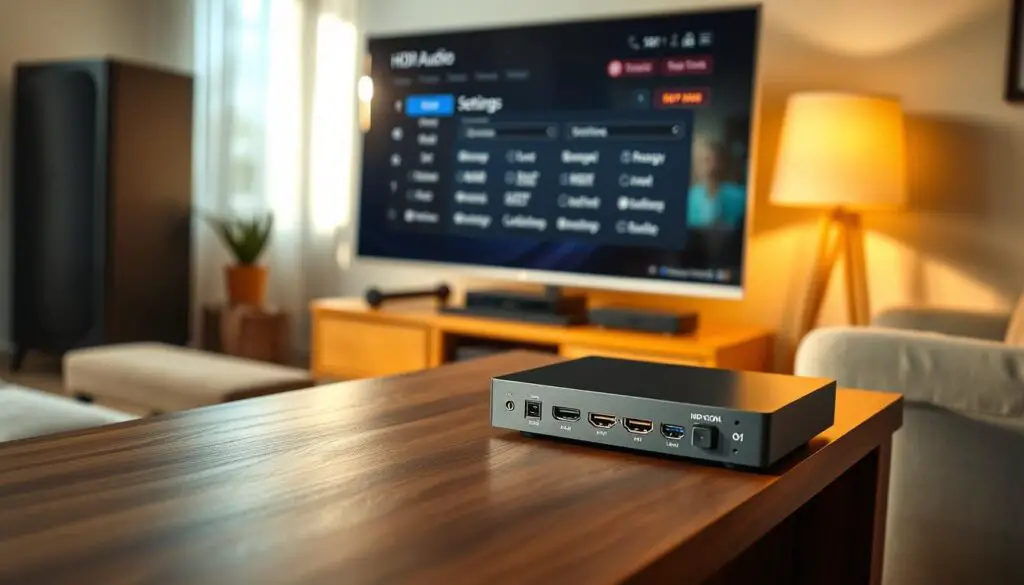
| Check | Why it matters | What to look for |
|---|---|---|
| Video pass-through | Avoids blank screens | 4K@60Hz, HDMI 2.0, HDCP 2.2 |
| Audio outputs | Matches your speakers | 3.5mm/RCA, Toslink S/PDIF, coax |
| EDID & ARC | Fixes handshake & TV routing | EDID presets, ARC/eARC support |
| Cabling & build | Stable signal and heat control | Short certified hdmi cable, metal housing, reliable power |
10 Best HDMI Audio Extractor
Below are ten popular units that balance signal stability, format support, and useful breakout options for home systems.
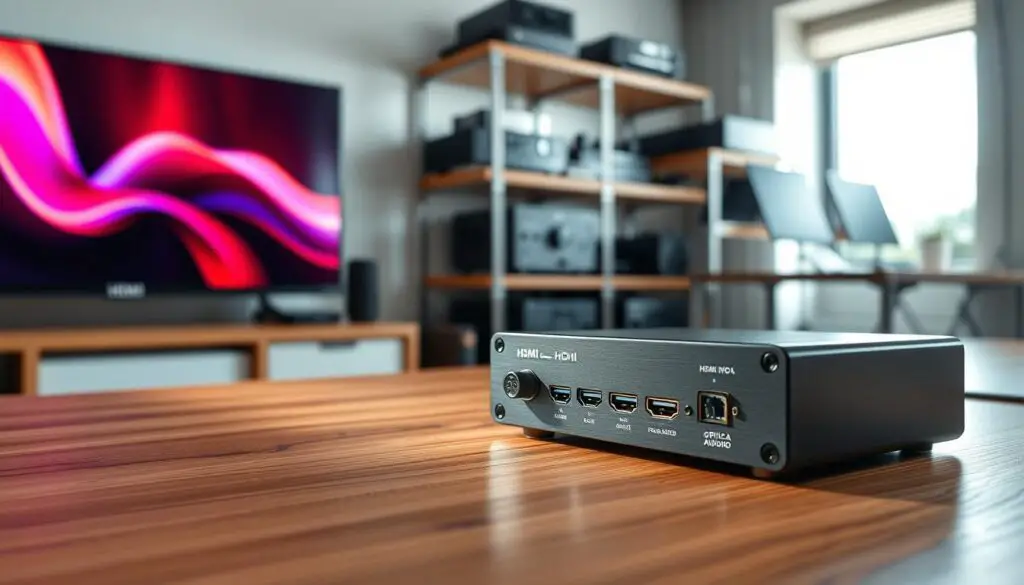
J-Tech Digital 4K 60Hz extractor — bestseller with robust EDID
J-Tech Digital is notable for stable pass-through and flexible EDID presets that resolve handshake issues. It delivers clean optical or analog output for a wide range of devices.

Avedio Links 4K extractor — HDMI to optical adapter with HDCP support
This compact adapter focuses on protected-content support, making it a good match for streaming boxes and Blu-rays that need HDCP compliance. It’s straightforward and reliable for optical output.

Avedio links ARC extractor — route TV ARC audio to S/PDIF or stereo
Use this when the TV is the audio source. It converts ARC to Toslink S/PDIF or stereo RCA so older soundbars or AVRs can stay in the loop.

Amazon Basics 4K@30Hz — reliable, budget-friendly HDMI audio solution
The Amazon Basics unit pairs a metal case with simple controls and both 3.5mm and Toslink outputs. It suits everyday setups that only require 4K@30Hz performance.
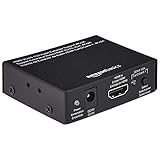
OREI 4K 60Hz 18G 2.0 — full-bandwidth pass-through and HBR audio
OREI supports 18 Gbps throughput and high-bitrate audio for richer formats. CEC bypass and solid build quality make it a strong choice for home theaters.

ROOFULL 5-port HDMI 2.0a switch — integrated optical & 3.5mm out
This 5-in-1 switch adds input consolidation plus optical and 3.5mm breakout. The included remote simplifies source selection for multi-device setups.
PROZOR HDMI audio converter — compact with 3.5mm and Toslink
PROZOR is travel-friendly and fits desks or small TVs. It offers both analog and optical outputs in a tiny footprint.

Tendak HDMI audio extractor — 2.0CH/5.1CH stereo and surround modes
Tendak toggles between stereo downmix and 5.1 pass-through so you can match the output to your receiver’s decoding abilities. It’s flexible for mixed systems.

eSynic combo — extractor + HDMI switch + splitter versatility
eSynic combines extraction, switching, and splitting in one box. It’s helpful when you need to feed multiple displays or capture gear while also breaking out sound.

J-Tech Digital 8K extractor — premium future-ready option
This premium J‑Tech unit targets next-gen consoles and PCs. It keeps advanced video bandwidth while offering reliable breakout for modern setups.
Performance and compatibility: getting clean digital audio from HDMI
When video passes but digital audio is missing, the problem is usually a format or handshake mismatch.
Start with the source. Set the player or streaming box to PCM stereo and retest the S/PDIF path. Many units only output toslink spdif or coax reliably when the source sends PCM instead of Dolby or DTS bitstream.
Use EDID and format checks. If optical or coaxial S/PDIF stays silent, toggle EDID presets to force stereo or a compatible format. A wrong EDID can make the source send audio the extractor cannot handle.
Practical diagnostic steps
- Confirm HDCP pass-through; failed handshakes can mute digital output even if video looks fine.
- Swap cables and ports; a cable that works direct from a Blu‑ray may still fail through a switch or hub.
- Test both optical and coax; one may fail due to hardware while the other works.
- Use a stable power supply—USB-only power from a weak port can reduce the hdmi output and audio performance.
| Symptom | Likely cause | Quick fix |
|---|---|---|
| No S/PDIF output, video OK | Source set to bitstream or EDID mismatch | Set source to PCM stereo; change EDID preset |
| Coax works direct but not via switch | Extractor S/PDIF transmitter fragility or port issue | Try another extractor port or use optical/coax alternate |
| Optical never works | Faulty optical hardware or cable incompatibility | Test cable on known-good player; replace optical cable |
| Intermittent audio dropouts | Weak power or cable bandwidth limits | Use included adapter, short certified hdmi cable |
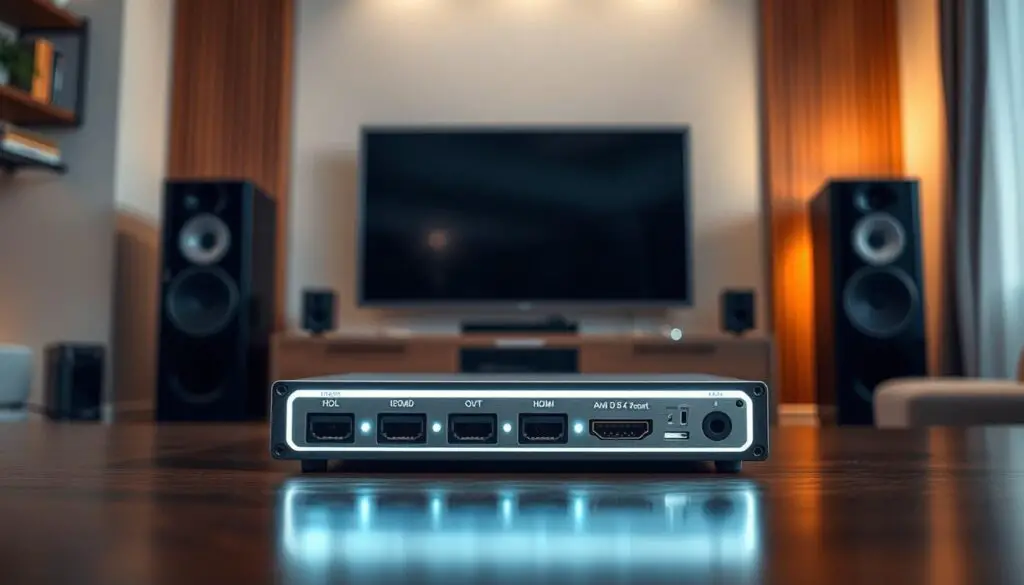
Use cases: home theater, gaming, and pro audio video workflows
Many home and pro setups rely on a breakout unit to deliver clean outputs while preserving video quality.
Surround routing for living rooms and small venues. Home theaters often route surround sound over Toslink S/PDIF to soundbars or AVRs while the hdmi video continues to the TV. This reduces dependence on ARC and keeps 4K pass-through intact.
Surround sound to soundbars/AVRs via Toslink S/PDIF
Use an extractor to send multichannel surround sound to compatible receivers. A toslink spdif connection handles compressed surround and preserves sync with the main display.
Headphone amps and powered speakers via 3.5mm/RCA stereo
Stereo-first setups use a 3.5mm or RCA output for desktop powered speakers or a headphone amp. That keeps stereo audio and late-night listening simple without powering a full AVR.
- Gamers centralize consoles with a switch/extractor combo to feed headsets and keep low-latency video.
- Streamers tap analog or digital outputs into mixers, leaving the main video chain untouched.
- Small venues and apartments gain flexible routing to compact amps or soundbars for quick installs.
Setup tips and best practices for signal integrity
A clean, powered chain keeps both video and sound steady. Start by checking cable lengths and the power source for the extractor. Short runs and firm connections solve many handshake and mute issues.
Short, certified hdmi cable runs and proper power
Use short, certified hdmi cable runs for 4K@60Hz to reduce attenuation and handshake failures between the source, extractor, and TV.
Power the extractor with the included adapter or a stable 5V supply. Weak USB power causes intermittent dropouts and degraded output.
EDID presets and input selection on switches and splitters
Set EDID presets to match the desired audio mode (PCM stereo or bitstream) and resolution. This often fixes “no audio” or mode-flapping problems.
On switch-equipped models, confirm the correct input is selected and avoid hot-plugging mid-stream when possible.
- Keep total cable length conservative and avoid unnecessary adapters for better signal and quality.
- If you need CEC or ARC, choose models that list support and follow port recommendations in the manual.
- In RF-noisy environments, use ferrite cores and well-shielded cable to protect the signal hdmi path.
| Check | Likely cause | Quick action |
|---|---|---|
| Video OK, no audio | EDID or source setting | Force PCM or change EDID |
| Intermittent dropouts | Weak power or long cable | Use adapter, shorten cable |
| Handshakes fail | Bad cable or port mismatch | Swap certified cable, try direct |
Alternatives and complementary solutions
For multi-source living rooms, combining switching and de-embedding in one device cuts clutter and remote hopping.
Switches with built-in breakout vs standalone units
All-in-one switches like the ROOFULL 5-port model combine input consolidation with optical and 3.5mm outputs and a remote. That reduces boxes and gives simple control when you juggle multiple players.
Standalone extractors keep your video switching separate. They pair well with existing AVRs or matrix gear and add dependable audio breakouts where needed.
Software extraction for files vs hardware for live sources
For file-based workflows, software tools can de-embed tracks from stored media. This is flexible for editing and archiving.
For consoles, streaming sticks, or Blu‑ray players, hardware is essential. Live sources require a physical de-embedder to deliver reliable digital hdmi audio to downstream gear.
- If you need fewer remotes and a tidy rack, choose a switch with built-in extraction.
- Use a standalone extractor when you want separate switching and finer EDID control.
- Splitter-equipped combos can feed a display and a capture device at once for creators or classrooms.
- Chain a quality switch with a dedicated audio de-embedder extractor in hybrid rigs to expand ports and improve signal resilience.
| Option | Strength | Ideal use |
|---|---|---|
| Switch with extraction | Consolidation, remote control | Living rooms with many sources |
| Standalone extractor | Simplicity, targeted breakout | AVRs and matrix systems |
| Software de-embedder | Flexible file editing | Post-production and archives |
Conclusion
A clear rule: match the breakout ports to your decoder and keep cables short for stable operation.
For most homes, J‑Tech Digital strikes a strong balance of stability and features. If your TV is the source, consider Avedio Links ARC or the Amazon Basics unit for budget-friendly ARC-to‑S/PDIF or stereo routing.
For growth or multi‑source rigs, look at ROOFULL for switching or OREI for higher bandwidth and robust feature sets. Prioritize EDID, PCM testing, and short certified cable runs to avoid handshake and output issues.
Final tip: start with stereo PCM to confirm the signal, then test bitstream for surround over Toslink S/PDIF once your decoder supports it. One well‑chosen box often solves common routing needs and keeps your video and audio outputs reliable.