Quick checks can save time and rule out common causes when a device shows a front LED while failing to act on commands. Start simple: swap in fresh batteries and wipe corrosion from contacts. Weak cells often let an LED glow while supplying too little power for a usable infrared signal.
Test with a smartphone. Point the remote at a phone camera, press a key, and watch the screen for a blinking emitter. No flash suggests a worn key or low output; try less‑used buttons and compare with a known working remote to confirm.
If the emitter works, check clear sightlines to the front IR window and remove curtains or décor that block it. Also reseat the plug, try a different outlet, and verify your breaker so power actually reaches the device.
Try alternate controls: press on‑device buttons or use a different remote control. If some commands fail while others work, worn conductive pads likely cause the issue. Re‑test after each step and note results before moving to deeper checks.
Device‑specific troubleshooting for the remote receiver and control unit
Begin with on‑device checks. Confirm that physical buttons on a TV or panel controls on an AC respond. If picture, volume, or mode changes happen locally, the problem likely sits in the front IR path or a small board connection rather than in main electronics.
TVs
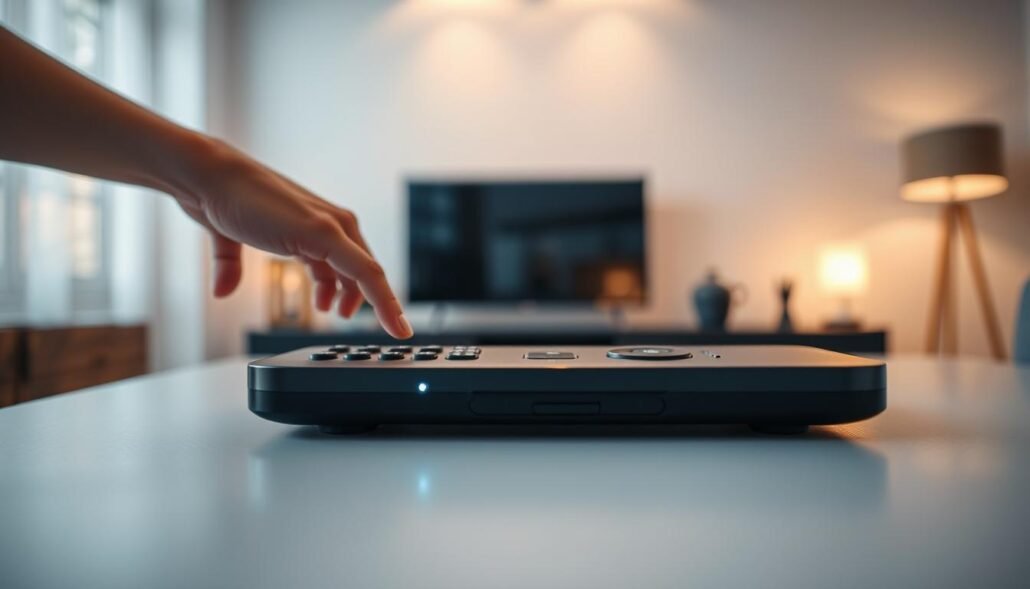
Clean the front IR window and test the handset through a smartphone camera to see if the emitter flashes. Remember that many sets share a tiny IR/LED board with the standby LED; a loose cable behind the back can leave the remote path dead while the LED still shows power.
Safety note: only a qualified person should open the back after unplugging, due to lethal voltages.
Air conditioners
Keep direct sight to the indoor sensor and clear dust from its window. Replace weak batteries—cells that let a display light up can still produce a weak IR signal.
If the remote passes the camera test but controls fail, suspect a failed receiver or a damaged indoor PCB. Verify wall power, plug fit, and breaker status before deeper diagnosis.
Gas fireplaces with receiver boxes
Replace the CR2032 in the handheld and fresh AA cells in the receiver box. Set the receiver switch to REMOTE, confirm the pilot is lit, and confirm the control valve sits in ON. Match frequency or dip switches between the handheld and receiver.
- If the burner fires in ON (bypass) but not via remote, the remote module may need replacement.
- Check receiver‑to‑valve wiring and schedule service every 2–3 years to remove dust and pet hair from burner intakes.
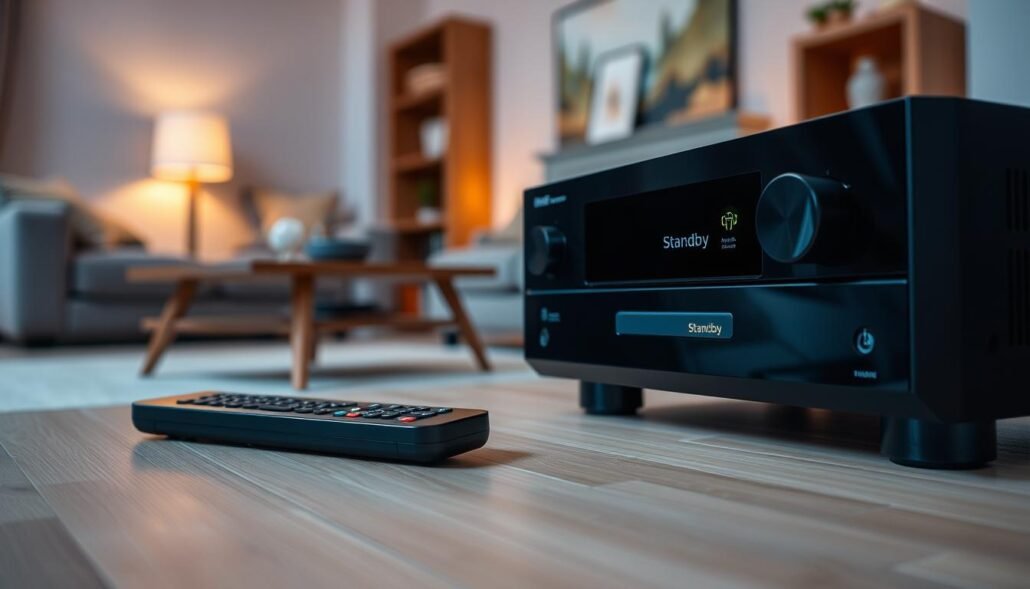
Why is the standby light on, but the unit won’t respond to the remote Receiver?
Quick overview: A glowing front indicator only shows some power is present. It does not prove the IR path or internal logic will accept commands.
Signal path and sensor issues
Infrared needs a clear path. Dust, film, or a nearby object can block pulses from reaching the receiver. Aim carefully and remove obstacles before deeper checks.
Use a smartphone camera to confirm the remote emits a flash. If the handset shows output but the device ignores it, a blocked sensor window or misalignment likely causes the problem.
Internal faults and board connections
If the path is clean, suspect a failed receiver module, loose ribbon, or damaged front board. Many TVs and some ACs mount the LED and IR chip on one small board; a bad cable can leave the light active while the control path is dead.
- Check outlet and breaker to rule out odd power behavior that can affect internal logic.
- Fireplace systems can suffer frequency or pairing mismatches—verify dip switches and receiver mode before replacing parts.
- If multiple remotes fail, plan for professional service to test the receiver and PCB.
Conclusion
Start by swapping fresh batteries into the handset and any receiver boxes, then aim the remote at a clean sensor window.
Validate the handset with a smartphone camera, try onboard controls, and note which button actions work. This helps isolate whether a front board cable, an IR path, or a receiver issue causes the fault.
Check outlet and breaker power before opening a back cover, and unplug any device first. For gas fireplaces, confirm pilot, valve, and matching dip switches along with new batteries in both handheld and receiver.
If the transmitter shows output yet the unit ignores commands, schedule professional service. Fast diagnosis saves time and prevents a small control problem from turning into a costly repair.
FAQ
Replace weak batteries and inspect battery contacts in the remote control
Replace batteries with fresh, high‑quality cells and check contact springs and terminals for corrosion or bending. Clean contacts with a cotton swab and isopropyl alcohol, then reinstall batteries making sure polarity matches. Weak or dirty contacts often stop the transmitter while the display or standby indicator stays lit.
Confirm clear line of sight: remove obstructions and aim at the IR sensor window
Remove objects between remote and sensor, relocate lamps or décor that might block the path, and point the remote directly at the IR window. Infrared requires an unobstructed path and direct aiming; reflective surfaces and furniture can deflect or absorb the beam.
Use a smartphone camera to test if the remote’s IR LED is sending a signal
Open a phone camera, point the remote at the lens, and press a button. If you see a flashing light on the camera screen, the remote sends IR. No flash suggests a dead LED, drained battery, or internal fault in the handheld transmitter.
Verify the unit’s power source, plugs, and breakers even if the standby light is on
Check that the unit’s power cord is fully seated, outlet provides power, and wall switches or breakers haven’t tripped. Some devices show a light when receiving minimal power but disable receiver circuits if voltage is unstable.
Try alternate buttons and a known‑working remote to rule out worn buttons
Test every button on your remote and try a second remote or universal control programmed for the device. Repeated use can wear contacts, so onboard device buttons help confirm whether the receiver or remote is at fault.
TVs: Check front IR window, test set with onboard buttons, and inspect for loose IR/LED board connections
Clean the TV’s IR window and operate the set using built‑in controls. If those work, inspect behind the panel for loose ribbon cables or boards that connect the IR sensor to the main PCB. Loose connectors or damaged traces can prevent signal processing.
Air conditioners: Clean the sensor window, replace batteries, and assess the indoor PCB if signals aren’t processed
Wipe the AC receiver lens and replace remote batteries. If the unit ignores commands, the indoor control board may have failed to interpret signals—look for error codes or blinking LEDs and consult the service manual before replacing the PCB.
Gas fireplaces with receiver boxes: Replace batteries in both remote and receiver, match frequencies, and confirm pilot/control valve settings
Many fireplace remotes and wall receivers use separate power cells. Replace both, ensure the remote and receiver use the same frequency or dip‑switch setting, and verify the pilot and main valve positions. Safety interlocks or low battery in the receiver can block commands.
Signal path and sensor issues: dirt, blockage, misalignment, or interference preventing IR reception
Inspect the sensor for dust, film, or paint that can reduce sensitivity. Reposition the device to avoid fluorescent or LED lighting that may cause IR interference. Even mild misalignment of the sensor board can prevent consistent reception.
Internal faults: failed receiver module, loose board cable, or PCB damage requiring service
If basic checks fail, the issue often lies in a failed IR receiver, damaged PCB, or a loose ribbon cable between the sensor and main board. These faults usually need a trained technician to diagnose and repair; unplug power and avoid DIY fixes on gas or mains‑powered devices.