Goal: This short guide helps you link your phone with a receiver so music plays through stereo speakers at home. It works with new units and older gear that use common analog inputs.
Preview: You will see three practical paths: wired analog, Bluetooth pairing, and AirPlay streaming. Each path shows what hardware and controls you get, plus trade-offs between simplicity and top audio quality.
Expect clear notes on what “best” means. Sometimes best means easiest setup for casual music. Other times it means highest fidelity or least hassle. The guide also explains how playback control and volume vary by method.
For some users, only audio is sent. Others may need audio plus video, which changes the recommended connection and required device. Compatibility matters: a given receiver might accept analog cables but lack wireless streaming, while newer models may include AirPlay 2.
What you get: clear steps, compatibility tips, and a quick troubleshooting checklist for no sound, wrong input, or failed pairing.
Before You Start: What You Need and What Your Receiver Supports
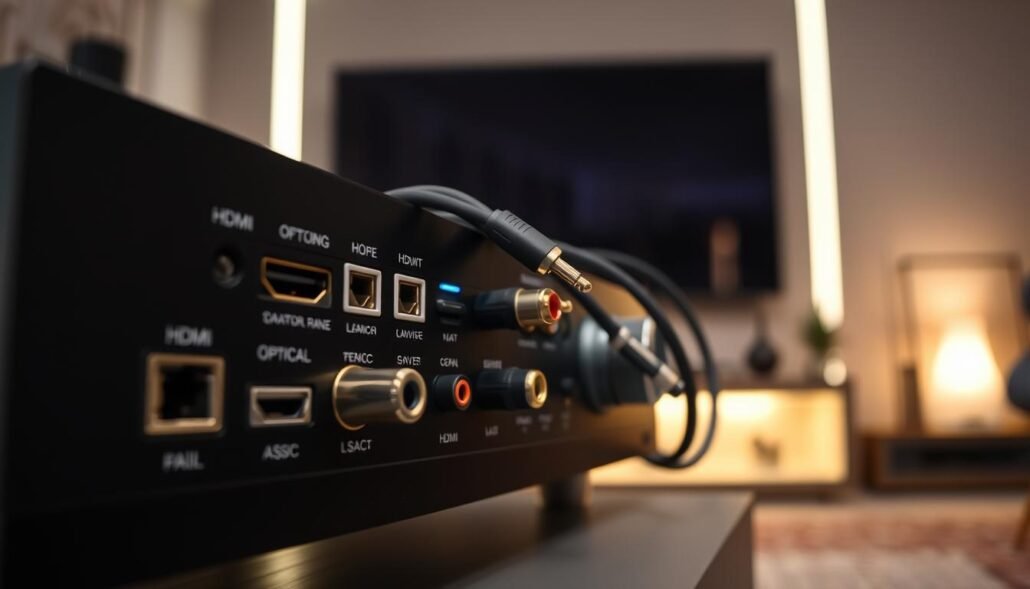
A quick back-panel check and a glance at wireless support will save time and mistakes. Inspect the rear of your unit for RCA jacks (red/white), any AUX/3.5mm sockets, and HDMI inputs. Labels like CD, SAT, or GAME usually mean safe line-level inputs.
Avoid the PHONO input. It adds a turntable preamp and EQ that can distort sound or give wrong volume when feeding a phone with a line-level cable.
Check your phone’s output and wireless options
Your model may need a Lightning or USB-C adapter for wired audio. Wireless choices include Bluetooth and AirPlay; AirPlay can stream audio and video over Wi‑Fi and may require a firmware update on older receivers.
Pick the right path for audio or audio + video
- If the unit lacks wireless, plan a cable or add a Bluetooth adapter.
- If AirPlay is available, Wi‑Fi streaming is the most convenient for video or screen mirroring.
- Remember: the phone outputs audio, the receiver inputs it, and the receiver then sends amplified sound to speakers.
For more on compatible models and recommendations, see this guide for the best AV receivers.
How To Connect An iPhone To An A/V Receiver Using a Wired Connection
Wired links give the cleanest, lowest-latency path for music playback through a stereo setup.
Start by using a 3.5mm-to-RCA cable. Plug the 3.5mm end into your phone or into a Lightning/USB-C adapter if the phone lacks a jack.
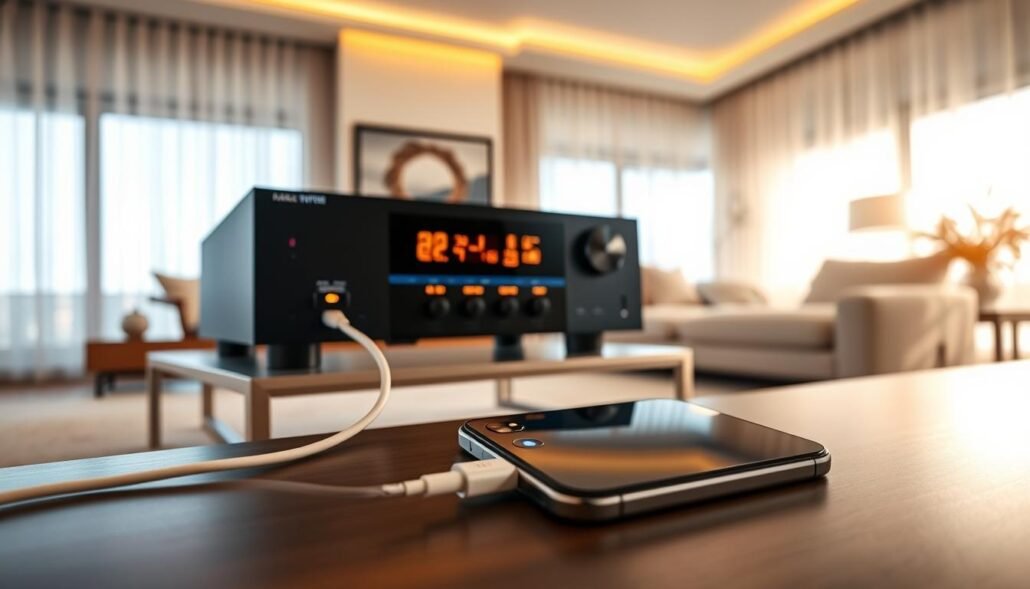
Step-by-step wiring
- Insert the 3.5mm plug fully into the phone adapter or headphone output.
- Match red and white RCA plugs to any free line-level input labeled CD, AUX, or Tape.
- Avoid the Phono input; it applies special EQ and will distort the signal.
- Select the same input using the receiver source selector and enable the speaker outputs for your zone.
Set clean levels and troubleshoot
Set the phone volume to a moderate level, not max. Then raise the receiver volume for final loudness. Too-high phone output can clip and make the sound harsh.
Common causes of no audio include wrong input selected, RCA plugs in reversed jacks, a loose adapter, or a damaged cable.
- Test the same input with another device.
- Swap the cable or adapter.
- Reboot the phone if audio still fails.
| Issue | Quick fix | Why it matters |
|---|---|---|
| No sound | Select correct input; reseat plugs | Wrong routing keeps audio off the speakers |
| Distorted sound | Lower phone volume; adjust receiver gain | Prevents clipping and preserves audio quality |
| Intermittent dropouts | Replace cable or try another input | Bad cable causes unreliable output |
When this solution wins: choose wired for maximum simplicity, minimal delay, and steady performance with older stereo equipment and passive speakers.
Connect Wirelessly Using Bluetooth (Best for Simple Music Streaming)
A small Bluetooth audio adapter can add wireless streaming to older stereo gear in minutes.
Quick add-on: Plug a Bluetooth audio receiver adapter into a free AVR input (RCA or AUX) and power it. That lets your phone stream music wirelessly into the stereo so you can play music without running cables.
Receiver vs transmitter — don’t buy the wrong device
Remember this: a Bluetooth receiver accepts audio from your phone and feeds the receiver input. A Bluetooth transmitter sends audio out from the AVR to headphones or speakers. Buying the wrong unit is a common setup failure.
Pairing and placement tips
- Power the adapter, enable pairing mode, then select it from the phone’s Bluetooth menu.
- Keep the adapter in open space near the listening area; avoid hiding it behind dense cabinetry.
- Move it away from Wi‑Fi routers, microwaves, or cordless phones to reduce dropouts.
Expectations and a quick checklist
Bluetooth is great for casual music and easy play control from your phone. Audio quality and latency vary by codec and adapter. Volume control may be shared between the phone and the receiver.
| Problem | Quick fix | Why it matters |
|---|---|---|
| No audio | Confirm receiver input and Bluetooth connection | Mismatched routing keeps sound off speakers |
| Dropouts | Reposition adapter; remove RF interference | Improves stable streaming to the speaker |
| Wrong device paired | Disconnect other devices and re-pair | Phone may output to a different speaker |
When this wins: choose Bluetooth if you want music wirelessly with minimal setup, don’t need video, and prefer quick pairing over Wi‑Fi configuration.
Stream iPhone Audio and Video with AirPlay and AirPlay 2 Through Your AV Receiver
AirPlay turns your network into an audio/video highway, routing music and video straight to a compatible receiver.
Check support and firmware. Open your receiver’s feature list or on‑screen menu to confirm AirPlay or AirPlay 2. Update firmware when available; older units may handle basic streaming but lack multi‑room grouping.
Start streaming over Wi‑Fi
- Power the AVR and ensure it is on the same Wi‑Fi network as your phone.
- On the phone, open Settings or the playback menu and pick the receiver name.
- Enter any on‑screen password or code if prompted, then choose audio or video content to play.
AirPlay 2 and multi‑room
AirPlay 2 lets you group compatible receivers and speakers so the same track plays in sync across rooms. This keeps music aligned when you walk from room to room.
Screen mirroring and Apple TV
Use Apple TV as the AirPlay target when you want video or screen mirroring on a TV while the AVR handles the audio output. That setup simplifies control and keeps sync between picture and sound.
AirPlay vs Bluetooth
| Feature | AirPlay | Bluetooth |
|---|---|---|
| Range | Better over Wi‑Fi | Shorter |
| Video support | Yes | No |
| Setup speed | Needs network | Faster pairing |
Note: many AirPlay 2 systems use the phone as the source. If the phone dies or leaves the network, playback stops. Plan accordingly for long listening sessions in your home system.
Conclusion
Select the method that fits both your stereo and how you like to play music.
Wired gives the most reliable performance and lowest fuss. Bluetooth works best for quick, casual streaming. AirPlay or AirPlay 2 adds Wi‑Fi convenience, video support, and multi‑room control.
Decide by checking available inputs, whether your phone needs an adapter, and if you want video as well as audio. Pick an open line input, set the receiver input, then confirm the phone is sending sound to that device.
If playback fails, trace the signal path step by step: phone → adapter or wireless link → receiver → speakers. A method that matches your gear often modernizes older hardware with minimal extra gear and minimal setup time, giving a lasting, simple solution.
FAQ
What inputs on my receiver will work with a phone?
Most home receivers accept RCA left/right, 3.5mm AUX via an adapter, optical digital (TOSLINK), and HDMI (ARC/eARC). Avoid using phono-only inputs meant for turntables. Check your model’s manual for labeled “AUX,” “CD,” “TV,” or “Media” inputs, which are safest for phone audio.
Which adapter do I need if my phone lacks a headphone jack?
Use Apple’s Lightning-to-3.5mm or a USB-C-to-3.5mm adapter depending on your iPhone model. For digital audio over HDMI, use a Lightning Digital AV Adapter or a USB-C Digital AV adapter. Always choose MFi-certified or manufacturer-branded adapters for best compatibility.
Can I use Bluetooth to stream music to an AVR?
Yes. If the receiver has built-in Bluetooth, pair the iPhone from Settings > Bluetooth. If not, plug a Bluetooth audio receiver into an AUX or RCA input and pair that device. Bluetooth is simple for music but can introduce latency for video.
What’s the difference between a Bluetooth receiver and transmitter?
A Bluetooth receiver accepts wireless audio and feeds it into the AVR. A transmitter takes audio from the AVR and sends it to wireless headphones or speakers. Choose a receiver when sending music from phone to system.
How do I set the correct input and volume on the receiver?
Select the input that matches the physical connection (AUX, CD, HDMI, etc.). Start with the receiver volume set low, play music from the phone, then raise volume to a comfortable level. Disable any loudness or EQ presets if you want a neutral sound.
Does AirPlay work with all receivers?
No. AirPlay and AirPlay 2 require built-in support in the receiver or a connected Apple TV or AirPlay-capable streamer. Check the receiver’s specs and install firmware updates if the feature is available but missing.
How do I stream with AirPlay from my phone?
Connect both iPhone and receiver (or Apple TV) to the same Wi‑Fi network. In Control Center tap the AirPlay icon or the media card, then select the receiver. If prompted, enter the on-screen passcode or the network password.
Can I play audio and video together through my receiver?
Yes. For video, use HDMI to pass both picture and sound to the TV and AVR. For wireless video or screen mirroring, use Apple TV connected to the AVR/TV. Bluetooth does not reliably sync audio with video due to latency.
How do I reduce Bluetooth dropouts and interference?
Keep the phone within reasonable range (about 30 feet line-of-sight), avoid placing the receiver behind heavy metal or inside a cabinet, and move other 2.4 GHz devices away. Use Bluetooth adapters that support aptX or AAC for improved stability and quality when available.
What should I do if there’s no sound after connecting?
Check that the receiver is set to the correct input, the phone’s volume is up, and cables/adapters are firmly seated. Try another cable or adapter, test with different source (another phone or music app), and reboot both devices. For HDMI, ensure TV input routing and ARC/eARC are enabled if used.
Is AirPlay 2 better than Bluetooth for multi-room audio?
Yes. AirPlay 2 supports synchronized playback across compatible speakers and receivers, better buffering, and lower latency for multi-room setups. Bluetooth connects to one device only and can drift out of sync between rooms.
Will battery level affect wireless playback?
If the phone’s battery is low and power-saving modes are active, wireless performance may be limited and background streaming can pause. Keep the iPhone charged or disable aggressive battery-saving features for uninterrupted streaming.