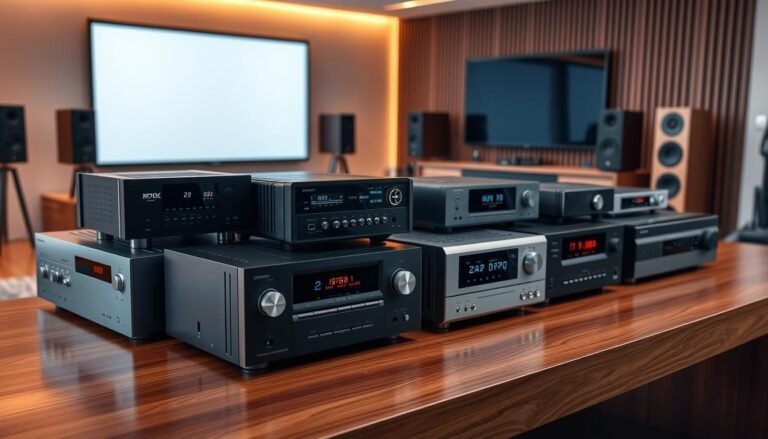
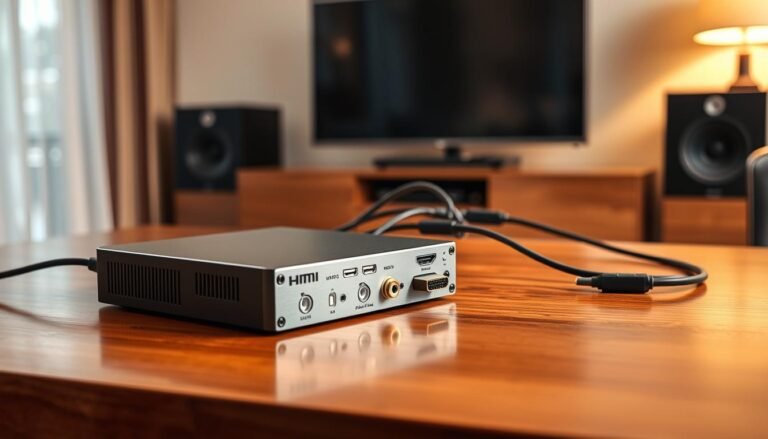
Looking to stream from a phone or computer to older gear? This buyer-focused update helps owners get wireless sound into vintage amps, powered speakers, and soundbars that lack native streaming.
What you’ll get: a curated shortlist of top home picks and budget options, plus a clear plan for cabling, power, pairing, and common fixes.
Why focus on this now: many U.S. households have great legacy stereo setups but need reliable codec support and real-room range to sound their best.
We evaluate each model by sound quality, codec support, indoor range reliability, output options, and daily ease of use. Expect practical notes on price and compatibility to avoid common mistakes.
– Curated shortlists for home and budget use.
– Emphasis on codecs, stable range, and proper outputs.
– Actionable steps so the receiver works beyond day one.
How a Bluetooth Audio Receiver Works for Home and Car Audio
Think of a receiver as the missing link that brings modern streaming to legacy speakers. It accepts a wireless signal from your phone, decodes that data, and hands clean analog output to older gear via RCA or 3.5mm jacks. Some units also offer optical output for better digital paths.
Bluetooth receiver vs. bluetooth audio adapter
Many listings use “adapter” and “receiver” interchangeably. Focus on outputs, codec support, and how the unit gets power. Names on the box matter less than whether it supports the ports and codecs your system needs.
What the device actually does
The basic signal chain is simple:
- Your phone streams music over bluetooth.
- The receiver decodes and converts that stream with its DAC.
- Analog or digital outputs feed your amp, soundbar, or car AUX.
Rack-style vs. small adapters
Home rack units are designed to stay plugged in and deliver wider range and better sound. Tiny dongles trade range and features for convenience and portability.
| Use Case | Power | Common Outputs |
|---|---|---|
| Home stereo (rack) | Wall or USB, always-on | RCA, optical, sometimes XLR |
| Portable dongle | Battery or USB | 3.5mm, RCA |
| Car | Battery or 12V adapter | 3.5mm AUX, sometimes RCA |
Receivers often remember paired devices, but switching behavior varies. Key decision points for the rest of the guide: outputs, codec support, indoor range through walls, and latency for video.
2026 Best Bluetooth Audio Receiver + Setup Guide
This quick section explains who should read the guide and what “top rated” means for picks that actually perform.
Who this is for: Owners upgrading an older stereo amp, adding wireless to powered speakers, making a non‑streaming soundbar usable, or adding streaming to a car AUX input.
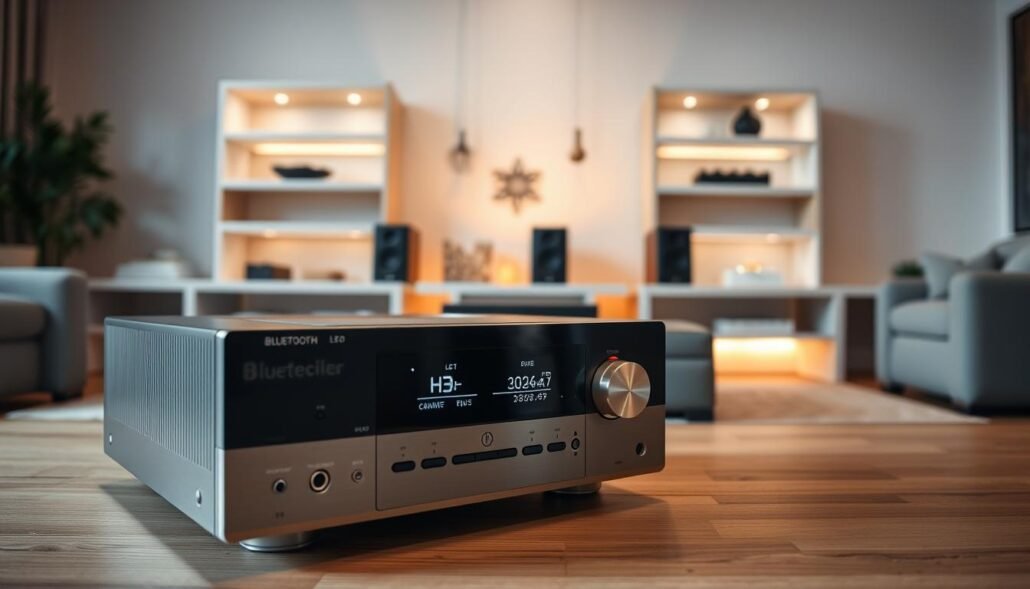
What “top rated” should mean: focus on codec match, sustained indoor range, and the right outputs for your gear—not just star ratings.
We evaluate picks by sound quality (DAC noise and clarity), dropouts in real homes, reconnection behavior, and daily power options like always‑on vs. manual power.
- Match codec support to your phone for cleaner playback.
- Choose analog or optical outputs based on your system inputs.
- Prioritize units that keep a solid link through walls and Wi‑Fi traffic.
This article then covers buying criteria, top home and budget picks, and a step‑by‑step setup and troubleshooting flow so you can get working sound fast.
What to Look for When Buying the Best Bluetooth Audio Receiver in 2026
Start with practical priorities: match the unit to your gear, living space, and habits before you chase specs. Good choices hinge on clean conversion, steady links through walls, and predictable power behavior.
DAC and perceived sound differences
Why DACs matter: a higher‑quality DAC and a quiet analog stage can make music sound smoother, less harsh, and clearer on revealing speakers or headphones. The iFi Zen Air Blue uses an ESS Sabre ES9023 and sounded nearly indistinguishable from pricier DACs in tests.
Codec checklist
- Confirm source and device support: iPhone users benefit from AAC; many Android/PC users should look for aptx, aptx HD, or aptx Adaptive.
- Look for units that confirm codec via voice or LED when possible.
Range, latency, outputs, and power
Expect real indoor range to drop when crossing sheetrock or concrete; some models held ~32 feet and passed multiple walls in tests, while others saw microwave or Wi‑Fi interference.
Latency: low latency matters for TV and gaming; prioritize stable sync over raw numbers.
Outputs and ports: choose RCA for most amps, 3.5mm for PC or car AUX, and optical when feeding soundbars or an external DAC. Note many units ship without RCA cables or wall adapters.
- Pre‑purchase checklist: your system inputs, phone/laptop codec support, where the unit will sit, and whether optical is required.
- Consider how the unit handles power: always‑on is convenient but can auto‑connect; some models include a power button or need a USB wall charger.
For a deeper look at matching ports and device types, see our AV receiver recommendations.
Top-Rated Picks for Home Stereo Streaming
If you want reliable wireless playback in a living room stereo, consider these proven options.
iFi Zen Air Blue — best overall sound and simplicity
Why it stands out: wide codec support and an ESS Sabre DAC give clearer music and steady signal through walls.
Limitations: RCA only, always‑on behavior, and no cables or USB wall adapter included.
Choose this if you want premium codec support, simple pairing feedback, and reliable in‑room performance.

Audioengine B1 — digital flexibility and long range
Why it stands out: optical plus RCA outputs and strong real‑world range make it ideal for soundbars or AVRs.
Choose this if you need optical ports and long distance performance through thicker walls.

Logitech Bluetooth Audio Adapter — straightforward, durable value
Why it stands out: simple pairing, multi‑device memory, and practical range for shared spaces.
Choose this if you want a no‑frills adapter that handles family use and basic stereo systems.

| Model | Codecs | Outputs | Typical Indoor Range |
|---|---|---|---|
| iFi Zen Air Blue | SBC, AAC, aptX, aptX Adaptive, LDAC, LHDC | RCA | ~32 ft through multiple walls |
| Audioengine B1 | aptX, aptX HD, AAC, SBC | Optical + RCA | Up to ~100 ft claimed, strong in concrete homes |
| Logitech Adapter | SBC | RCA | ~50 ft practical range |
Best Budget Bluetooth Audio Receivers That Still Sound Good
Budget models can deliver clean streaming and useful range if you know which tradeoffs matter.
What “budget but good” means: you get solid sound and useful features for a low price, but you may give up wide codec breadth, metal housings, or a high-end DAC. Focus on stable connection, the right outputs, and what comes in the box.
1Mii B06 Plus — under $30 value pick
The 1Mii B06 Plus nails value with Bluetooth 5.3 and aptX HD plus aptX Low Latency. That makes it a strong choice for Android and PC sources that support aptx.
Notes: RCA and 3.5mm ports, good wall penetration (reports through five sheetrock walls), and a USB wall charger included. iPhone users should expect SBC when AAC is absent. A power button is on board; the “3D” sound mode is largely a gimmick.

Besign BE-RCE — tiny long-range option
The Besign BE-RCE is a compact adapter with aptX and a claimed long range. It uses Bluetooth 5.0 and runs from micro-USB power.
Notes: Works well for distant rooms but can be interference-prone. It needs the power button to be pressed; smart-plug power-on may not reliably wake it.

Comsoon — car-friendly, portable choice
Comsoon targets drives: Bluetooth 5.0, noise-cancel features for calls, and about 16 hours of battery life. It’s best when you need a portable unit more than studio-grade outputs.
| Model | Key Specs | Outputs | Standout |
|---|---|---|---|
| 1Mii B06 Plus | Bluetooth 5.3, aptX HD, aptX LL, under $30 | RCA, 3.5mm | Low price, aptx fidelity, includes USB charger |
| Besign BE-RCE | Bluetooth 5.0, aptX, up to 100 ft claim | 3.5mm | Tiny long-range option, interference sensitive |
| Comsoon | Bluetooth 5.0, noise-cancel calls, ~16 hr battery | 3.5mm (portable) | Car-friendly, long playtime |
Buyer tips to stay under budget: confirm which cables and charger are included, match outputs to your car or home port (3.5mm vs RCA), and prioritize aptx support and steady range for daily use.
Step-by-Step Bluetooth Audio Receiver Setup Guide for Any Home System
Follow a short, repeatable flow to get clean streaming into legacy gear without guessing.
Pick the correct connection first. Identify your amp or speaker input, then choose RCA for most home amps, 3.5mm for compact powered monitors or car AUX, and optical when you need a full digital path to a soundbar or AVR.
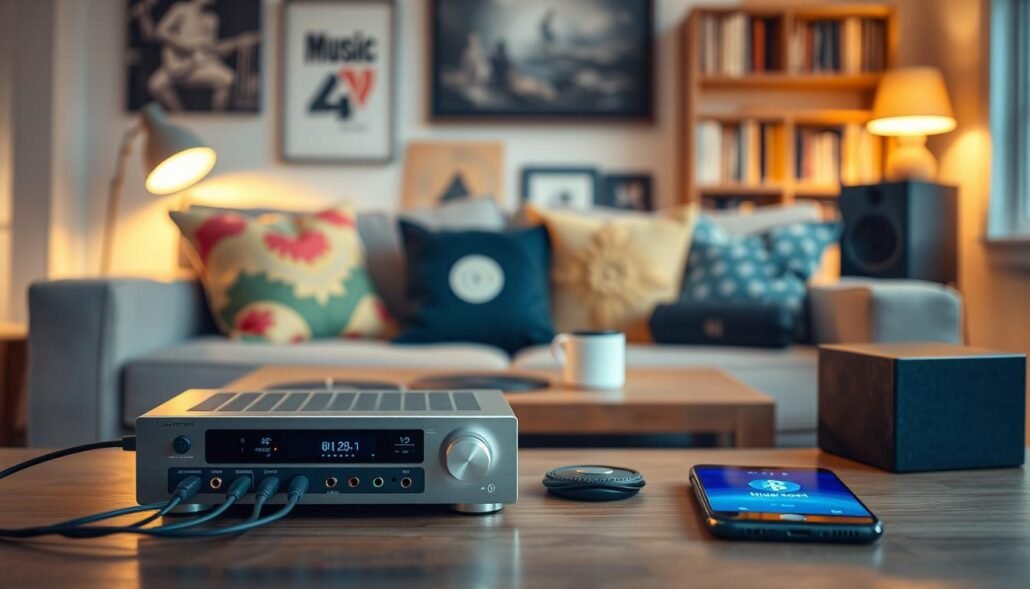
Power and ports
Use a USB wall charger when possible. Some AV gear USB ports stay live in standby and can keep an always‑on unit active. If the model lacks a wall adapter, use a known good USB charger to avoid noise or intermittent power.
Pairing and button basics
Put the unit into pairing mode by holding the pairing button until the LED flashes. Watch indicators or voice prompts to confirm the active codec when the device supports it. If a device stores up to eight devices, that means memory, not simultaneous connections.
Dial-in settings and two-device handling
Set phone volume to around 70% and control the stereo’s volume for final gain. For units that auto‑connect, use the power button to avoid unwanted links. When two devices are supported, expect one active stream at a time; switch sources by pausing one device and starting the other.
Troubleshooting dropouts and latency
If you hear dropouts, move the unit closer, change height, and avoid placing it near routers or microwaves. Test line‑of‑sight to determine if range or local RF noise is the issue. For video sync, check for a low latency codec and enable it if available.
| Task | What to do | Why it matters |
|---|---|---|
| Choose cable | RCA / 3.5mm / optical per input | Matches outputs and prevents level mismatch |
| Power source | Use wall USB or confirmed always‑on port | Stable power prevents noise and auto power issues |
| Enter pairing | Hold pairing button until LED/voice confirms | Ensures clean initial link and codec selection |
| Manage devices | Use power button or disconnect stored devices | Avoid unwanted auto‑connect and quick source switching |
Choosing the Right Receiver for Your Use Case
Pick the use case first; the right unit follows from where and how you listen.
Home theater and TV watching
Prioritize low latency and a stable signal so lips and picture stay in sync. Low latency codecs like aptx Low Latency or optical output matter most for video.
Placement tip: mount the unit near the TV or AVR and avoid crowded RF spots behind routers or game consoles. Optical output simplifies connections and eliminates extra DAC stages.
Two-channel stereo listening
For pure music, focus on DAC quality, noise floor, and premium codec support. A better DAC yields smoother sound and more detail through speakers or headphones.
Trade-offs: premium codec support and clean analog stages (as in the Zen Air Blue) often cost more but improve long-term sound quality.
Car audio upgrades
Choose compact adapters with flexible power options: USB, 12V, or battery. Clear call performance and mic placement matter if you use the unit for phone calls and hands‑free life.
Practical pick: portable models like Comsoon or small adaptors such as the 1Mii line give useful battery life and noise reduction, but expect fewer high‑end codecs.
Matching to your phone and family devices: iPhone users should prioritize AAC support; many Android phones get higher fidelity with aptx or aptx HD. If multiple phones connect, favor a unit with stable reconnection and clear pairing controls.
| Use Case | Recommended Feature | Why it matters |
|---|---|---|
| Home theater / TV | Low latency codec or optical output | Prevents lip‑sync delay and simplifies digital routing |
| Two‑channel stereo | High‑quality DAC, premium codecs (aptx/LDAC) | Improves dynamic range and reduces noise on music |
| Car upgrades | Compact adapter, flexible power, mic/noise reduction | Easy mounting, long play life, and clear calls while driving |
Conclusion
Conclusion
Choose outputs first, then confirm codec match for your phones and other devices. Prioritize real indoor range and predictable power behavior next. These steps avoid the most common mismatches and dropouts.
Quick recommendations: Zen Air Blue for sonic clarity and wall‑to‑wall reliability (analog only), Audioengine B1 for optical flexibility and long range, Logitech for a simple, durable value pick, and the 1Mii B06 Plus as an under‑$30 bargain with aptX strengths.
Use the short setup checklist to prevent errors: wrong cable type, weak USB power, or confused pairing across multiple devices. Then pick the model that fits your inputs and room layout and follow the setup steps to lock in steady streaming for music and video.
For related AV choices, see our AV receiver recommendations.
FAQ
How does a Bluetooth audio receiver work with older stereo gear?
A receiver pairs with your phone or tablet over Bluetooth, decodes the compressed audio using a codec, then outputs analog signals via RCA or 3.5mm (or digital via optical) to your amplifier or powered speakers. Think of it as a wireless bridge that converts a phone’s stream into a signal your legacy equipment can play.
What’s the difference between a Bluetooth receiver and a Bluetooth audio adapter?
The terms often overlap, but in practice a “receiver” suggests a unit designed to sit with audio gear and offer multiple outputs and better DACs. An “adapter” is usually compact, single-purpose, and focused on convenience. Choose based on needed outputs, codec support, and intended placement.
Which codecs matter most for sound quality and latency?
For general listening, AAC and aptX deliver clear sound on compatible devices. For higher fidelity, aptX HD, LDAC, and LHDC provide better resolution when both ends support them. For video or gaming, aptX Low Latency or aptX Adaptive (when available) reduce sync issues. Always match the codec to your phone and receiver.
Do all receivers support optical output and why is it useful?
Not all do. Optical output is common on higher-end adapters and is useful when you want a clean digital feed to a DAC, soundbar, or AV receiver, avoiding extra analog conversion and potential noise. Use optical when your downstream device accepts Toslink for better clarity.
How far will a typical receiver work inside a home?
Real-world range varies. Bluetooth 5.x devices often reach 50–100 feet line-of-sight, but walls, floors, and Wi‑Fi interference cut that. Expect 20–40 feet through typical interior walls. For long-range needs, pick models with strong antennas or Class 1 modules and test placement.
How do I minimize audio dropouts and interference?
Move the transmitter (phone, tablet) and receiver away from Wi‑Fi routers, microwaves, and large metal objects. Keep antennas unobstructed, use 5 GHz Wi‑Fi channels if possible, and avoid crowded Bluetooth environments. Updating firmware can also improve stability.
What’s the best way to power a receiver in a car or portable use?
For car use, choose adapters with USB-C car chargers or units that plug into the 12V accessory port. For portable setups, units with built-in battery or long playtime work best. Avoid powering high-drain receivers from weak USB ports to prevent shutdowns or noise.
Can a receiver remember multiple paired devices and switch between them?
Yes. Many receivers store up to eight devices and support multipoint or manual switching. Multipoint lets two sources stay connected simultaneously, but switching active playback often requires using your phone’s output controls or pressing the receiver’s pairing button.
How do I ensure low latency for TV and video use?
Use receivers and transmitters that support dedicated low-latency codecs like aptX Low Latency or aptX Adaptive and use compatible source devices. Some smart TVs and streaming boxes can transmit low-latency Bluetooth; otherwise use a wired connection or a transmitter designed for TV use.
Is digital-to-analog conversion important for stereo listening?
Yes. A higher-quality DAC inside the receiver yields cleaner sound and better dynamics. If you value two-channel music, prioritize units with reputable DAC chips and good analog outputs rather than the cheapest adapters.
How do I choose between RCA and 3.5mm connections?
Use RCA for direct connections to most home amplifiers and receivers for a balanced, secure fit. Use 3.5mm for portable speakers or when space is tight. If possible, opt for optical output if your downstream device supports it for improved digital fidelity.
What should I check about power and “always-on” behavior?
Verify if the unit supports constant USB power, has auto-sleep options, or forces reconnection. Some devices auto-connect to the last paired phone and cause unexpected playback. Choose a receiver with configurable power settings or a reliable wall adapter to match your workflow.
Are there budget receivers that still offer aptX or LDAC?
Yes. Several sub- adapters now include modern codecs like aptX or even aptX HD. For LDAC or LHDC, you’ll often find them in midrange models. Read specs carefully and confirm codec compatibility with your phone to get the advertised benefit.
How do I pair and confirm which codec is in use?
Put the receiver into pairing mode, connect from your phone’s Bluetooth menu, then check your phone’s developer Bluetooth settings (Android) or the receiver’s LED indicators/manual for codec info. Some apps and Android settings can show the active codec after connection.
Can I use a receiver with my home theater for TV audio?
Yes, but prioritize low latency and stable signal. For TV, choose receivers or external transmitters that offer aptX Low Latency, aptX Adaptive, or wired connections from the TV’s audio output. Optical input on the receiver is ideal for preserving digital quality.
What cabling and accessories should I buy with a new receiver?
Bring or buy good RCA or Toslink cables, a USB power adapter with sufficient output (5V/1A or higher depending on the model), and optionally a short 3.5mm cable for portable gear. For car installs, add a USB-C power charger or hardwire kit if needed.
How do I troubleshoot pairing problems or no sound?
Restart both devices, ensure the receiver is in pairing mode, check volume levels on phone and amp, verify the correct input on your amplifier, and try another source device. If problems persist, reset the receiver to factory settings and update firmware where available.