Many people face the same home theater gap: old gear like VHS players, LaserDiscs, or retro consoles output analog signals on red, white and yellow jacks, while modern TVs expect hdmi input.
Not all modern receiver models do the work of digitizing video. Some simply switch inputs and send them onward. That matters because true conversion means analog-to-digital processing plus an hdmi output.
For most users, the practical path is an active, powered converter box that accepts composite or rca output and delivers clean hdmi output. This article shows how to identify your source, pick compatible hardware, hook it up, and troubleshoot common “No Signal” issues.
Read on for step-by-step connection guidance and simple checks so your legacy player works with HDMI-only displays.
Why RCA-to-HDMI Conversion Is Tricky in Modern Home Theater Setups
Vintage devices output analog waves while today’s displays expect digital packets. That mismatch is the core issue. RCA jacks carry analog composite video (yellow) and stereo audio on red/white. HDMI bundles digital video and audio into one link and requires conversion before it will accept the feed.
Analog vs. digital — the cable myth
Passive cables or simple adapter plugs cannot digitize. Without powered electronics, the analog signal stays analog and the TV shows “No Signal.” A proper converter must sample, encode, and often scale the image.
What modern AV gear usually handles
Today’s receivers excel at HDMI switching, ARC/eARC, and digital processing. Many have dropped composite and component inputs or lack internal upconversion. That means they pass digital signals well but no longer turn analog into HDMI for you.
Legacy devices affected
Common sources include VHS, LaserDisc, retro consoles, and older camcorders. Most output composite; some offer S‑Video or component. Even with correct conversion, the picture will look softer on large modern screens.
| Source | Output Type | Needs Converter? | Picture Expectation |
|---|---|---|---|
| VHS player | Composite (yellow + red/white) | Yes | Soft, low resolution |
| LaserDisc | Composite or S‑Video | Often | Better than VHS with S‑Video |
| Retro console | Composite, sometimes component | Yes | Variable, depends on scaling |
Quick check: look for composite/component/S‑Video labels on the TV or receiver. If none are present, confirm whether the unit lists analog-to-HDMI upconversion. If not, the next step is a standalone powered converter.
Can I use a receiver to convert analog (RCA) to HDMI?
Short answer: yes, but only when your unit explicitly lists video upconversion or analog-to-HDMI output in its specs. Most modern AV units simply switch inputs and will not perform the digitizing work for composite, S‑Video, or component sources.
Quick checklist:
- Look in the manual or menu for terms like “video upconversion,” “analog to HDMI,” or “HDMI upscaling.”
- Confirm the device has composite/S‑Video/component video inputs and an active HDMI output tied to those inputs.
- Check whether analog video appears as a selectable HDMI source when the legacy player is powered.
Practical recommendation
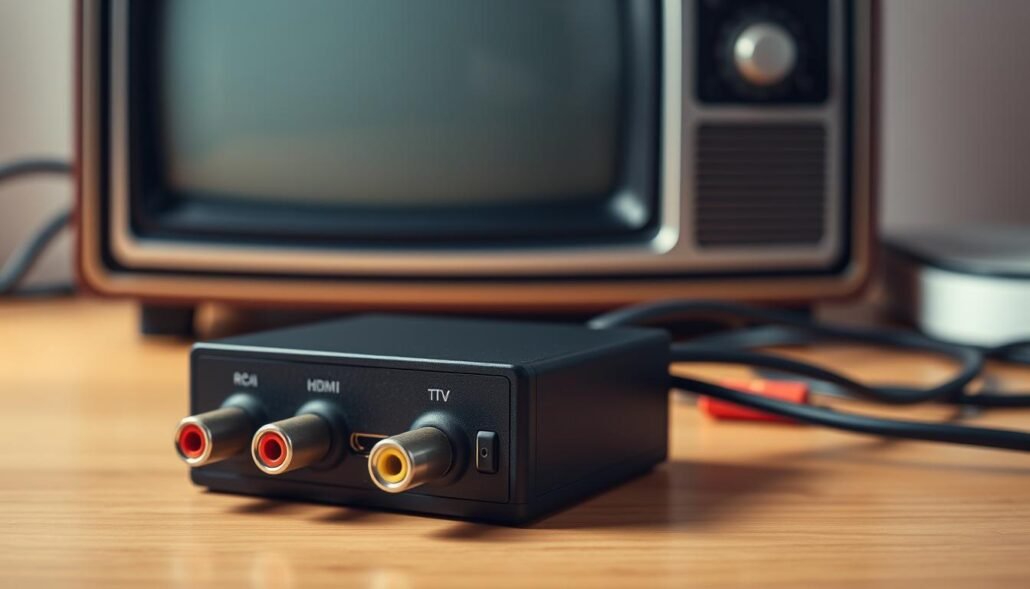
For most setups, the simplest route is a small powered converter that matches your source: composite (yellow), S‑Video, or component (Y/Pb/Pr). These cheap converters often cost $18–$32 and deliver stable HDMI output for modern displays.
How to choose and connect
- Pick the converter that matches your device: component best, S‑Video next, composite most common.
- Connect video and red/white audio RCA into the converter input.
- Run an HDMI cable from the converter output to your TV or to an HDMI input on the receiver for switching.
Note power and settings: many boxes need 5V USB power and offer 720p/1080p and 4:3 vs 16:9 switches. Underpowering the adapter often produces a “No Signal” error, so use a reliable USB supply. Most converters are single-input; use an HDMI switch if you must support multiple legacy devices.
Best Connection Options If Your Gear Mixes HDMI-Only and Analog Inputs
Mixed-gear setups are common in modern home systems: new streamers output HDMI while older amps expect red/white RCA. The cleanest workaround is an HDMI audio extractor that passes video to the TV and sends analog audio out to legacy gear.
An extractor gets an HDMI input from the source, provides HDMI output to the display, and offers RCA stereo out for the older receiver. Most inexpensive models give two-channel stereo; only specific units support 5.1 analog outputs and need a matching amp with multi-channel inputs.
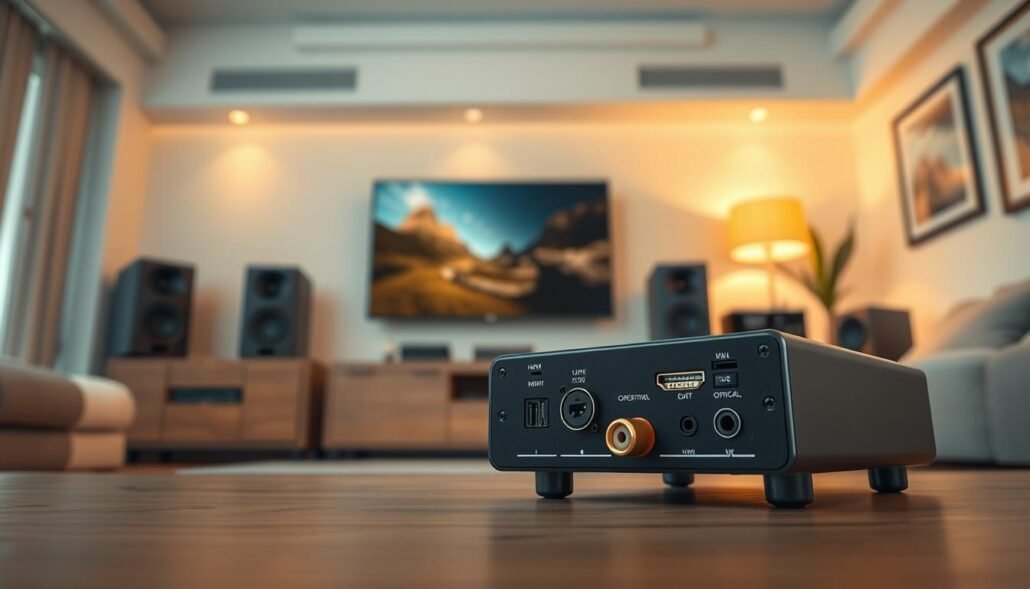
Simple signal flows you can copy:
- HDMI source → extractor → TV (HDMI out); extractor RCA out → receiver (audio).
- Analog device → powered converter → TV (HDMI); audio either via TV optical or routed to receiver if inputs allow.
Expectations: HDMI passthrough should not degrade picture if true passthrough. Video originating from analog will look softer. Audio via RCA usually delivers basic stereo without surround processing.
| Scenario | Recommended device | Audio output | Notes |
|---|---|---|---|
| HDMI source, old amp | HDMI audio extractor | RCA stereo (most), some support 5.1 | Passthrough preserves video quality; check extractor specs for 5.1 |
| Analog source, HDMI TV | Powered analog→HDMI converter | RCA in; HDMI out to TV (audio embedded) | Use stable USB power; picture will be low-res |
| Multiple legacy devices | Single robust converter + HDMI switch | Depends on upstream device | Avoid stacking small adapters; compare cost vs. budget HDMI receiver |
No Signal checklist:
- Confirm TV is set to the correct HDMI input.
- Ensure extractor or converter has active power.
- Reseat HDMI and RCA cables; try a different HDMI cable.
- Verify the source is playing and outputting a supported resolution.
Conclusion
Practical takeaway: only gear that explicitly lists analog‑to‑HDMI upconversion will digitize legacy outputs. If that capability is missing, a small powered converter is the most reliable fix,
Choose the converter that matches your source (composite, S‑Video, or component). Connect analog in, run HDMI out to the TV, and power the unit with a steady supply.
Plan audio separately: use an HDMI extractor or run stereo RCA to your amp when you need external audio. Check the TV input, try known-good HDMI cables, set 720p/1080p and aspect, and confirm the source is playing.
If multiple converters and switches start stacking up, compare the cost and complexity against upgrading to an HDMI-capable AV unit. Expect compatibility, not miracle image upgrades—VHS and composite will still look dated, even with proper conversion.
FAQ
Can modern AV receivers convert composite or component signals into HDMI?
Most contemporary AV receivers accept HDMI inputs and output HDMI to displays, but they rarely perform active analog-to-digital conversion. Some higher-end or slightly older models include analog video inputs (composite or component) and will upconvert those to HDMI, but this is the exception. For reliable results, use a dedicated powered converter box designed for composite, S-Video, or component to HDMI.
Why won’t a simple RCA-to-HDMI cable alone make an analog device work with an HDMI-only TV?
RCA is an analog format and HDMI is digital. A passive cable can’t change the signal type. You need an active converter that samples the analog video and converts it to a digital HDMI output. Without that electronics and power, the TV won’t recognize the signal.
Which legacy devices typically need conversion for modern TVs and receivers?
Common sources include VHS players, LaserDisc players, older camcorders, DVD players with only composite outputs, and retro game consoles. These devices output composite or component analog video and require upconversion to HDMI if your display or receiver lacks matching inputs.
When will a receiver actually upconvert analog inputs to HDMI?
A receiver will upconvert only if the manufacturer built an internal upscaler for analog video. That’s more often found in some older AV receivers aimed at home theater enthusiasts. Check the spec sheet for “video upscaling” or listed composite/component-to-HDMI features before relying on the receiver.
What’s the most practical way to get analog video into an HDMI-only display or receiver?
Use a powered RCA/composite or component-to-HDMI converter. These boxes accept analog video and stereo audio, and output standard HDMI resolutions (commonly 720p or 1080p). Choose a converter with the correct input type and an option for output resolution and aspect ratio.
How do I choose between composite, S-Video, and component converters?
Match the converter to the highest-quality output your source supports. Component (YPbPr) gives the best picture among analog options, S-Video is better than composite, and composite (single yellow RCA) is the most common but lowest quality. Pick the converter that matches the source for the best image.
What are the basic steps to connect an analog device through a converter to a TV or receiver?
Connect the device’s composite/component/S-Video and stereo audio RCAs to the converter inputs. Power the converter (USB or adapter). Run an HDMI cable from the converter’s HDMI output to the TV or to an HDMI input on your receiver. Set the converter’s output resolution and the TV to that HDMI input.
Do converters need external power and adjustable settings?
Yes. Most converters require USB or DC power to operate. Many include switches or menus for output resolution (720p/1080p) and aspect ratio (4:3 vs. 16:9). Powering the unit and matching resolution helps prevent “no signal” or scaling artifacts.
Can one converter feed multiple analog devices at once?
Most inexpensive converters accept a single input. For multiple sources, use an RCA/composite switch or an HDMI switch after each source is converted to HDMI. An AV receiver with several analog inputs (if it upconverts) can also reduce the number of external boxes needed.
Is there a way to route HDMI sources to an older receiver that only accepts analog stereo?
Yes. An HDMI audio extractor can strip audio from an HDMI signal and output analog stereo (RCA) or even digital multichannel if the extractor supports it. That lets the display handle video while the older amp handles sound. Verify compatibility with formats like Dolby Digital if you need surround sound.
What picture and audio quality should I expect from converted analog sources?
Expect softer images and lower resolution than native HDMI sources because analog limits detail. Audio quality will match the original analog source—stereo is typical. Component sources can look quite good when properly converted; composite will show more noise and color bleeding.
Why does my converter show “no signal” and how do I fix it?
Common causes are incorrect TV input selection, the converter not receiving power, mismatched output resolution, or a defective input cable. Ensure the converter is powered, the HDMI input is selected on the TV or receiver, and the converter’s resolution matches the display capabilities. Swap cables to rule out faults.
How much should I budget for converters and accessories compared with buying a budget HDMI-capable receiver?
Basic composite-to-HDMI converters start at low prices, but costs rise if you need multiple converters, switches, and extractors. A budget HDMI receiver with analog inputs (and built-in upscaling) can be a simpler single-box solution. Compare the total cost of converters plus switches against an entry-level AVR or HDMI switcher.