Worried about a warm audio unit? A touch-safe warmth during playback is common. Some heat comes from power conversion as amps drive multiple speakers. That warmth often means the device is working as designed and delivers stable sound.
Still, excessive heat that makes you pull your hand away signals a risk. Design, workload, and the space around the chassis change how hot a unit runs. Video switching and heavy audio processing add thermal load, especially when the receiver handles streaming and gaming.
Simple checks help. Leave room for air to flow, tidy cables to avoid hot spots, and power down when the case stays hot for more than a few seconds. Different speaker setups and impedance can stress an amp and raise temperatures even at the same listening level.
We build gear where engineering beats flashy stuff. Read on for quick safety steps, what counts as normal warmth, common causes, fixes, and when service is the right next step.
Quick answer and safety first: how hot is too hot right now?
When the top panel feels uncomfortably warm within seconds, treat that as an urgent safety cue. If you cannot rest a hand for more than a few seconds, power the unit down and let it cool before further use.
Prioritize safety. Switch to standby or off, then unplug if you smell burning, hear crackling, or the protection lamp lights. These signs point to immediate issues that need attention.
Reduce load at once: lower the volume, stop high-draw modes, and disconnect extra speakers. If the receiver is getting hot while idle, that signals a ventilation or internal problem rather than playback demands.
Feel side panels and the back for hot spots—localized warmth can indicate stressed components. For a quick cabinet fix, open doors and pull the unit forward to improve airflow. Document what you were playing, volume level, and room temperature so you can reproduce the condition if service becomes necessary.
- Turn down volume and reduce active speaker count immediately.
- Activate Eco or low-power mode to cut idle draw.
- Unplug and seek service if distortion, shutoffs, or flickering occur.
Is it normal for my receiver to get very hot?
Different amplifier architectures and model choices explain most thermal differences. Class A designs bias the output stage and produce steady heat even at idle. AB, D, or hybrid amps run cooler until they are driven hard.
Design and amplifier class
Class A rigs shed constant heat by nature. Many modern AVRs use efficient topologies so idle draw stays low and surfaces remain modestly warm.
Model and brand differences
Older Sony STR-DE935 units can heat more because the DSP board sits near the top and adds thermal load. A Denon AVR-687 may barely warm in the same room thanks to different supply and layout. Pioneer VSX-1017 tends toward moderate warmth with full-size speakers at higher volume. Kenwood 1090VR shows that topology can cause heat even with small speakers.
Use case matters
- Louder listening, larger rooms, or low-sensitivity speakers raise power demand and heat.
- Multiple active speakers and long sessions increase sustained case temperature.
- Check the model manual for operating ranges; persistent high heat with distortion signals a part issue and needs attention.
Common causes of receivers getting hot in the present day
A few predictable design choices explain why some units form hot spots even at moderate listening levels. Understanding those causes helps you spot a minor thermal sign versus a real problem.
Amplifier topology and inefficiency
Class A amplifiers produce steady waste heat because their outputs run biased at all times. AB and D types run cooler overall, but demanding passages still push an amp to shed energy as heat.
Internal layout and board placement
When a DSP or HDMI board sits near the top cover, that board creates a warm layer. The Sony STR-DE935 shows this: a top-mounted DSP can make the whole unit feel hotter, even when the power amp isn’t fully loaded.
Ventilation, placement, and clutter
Poor ventilation—closed cabinets, packed shelves, or the back pressed against a wall—blocks air paths. Fans and vents need clear space to move air over components and heat sinks.
Power demand, speakers, and dust
Low-impedance speaker loads, parallel wiring, and high volume force the amp to deliver more current and raise case temperature. Dust buildup further insulates heat sinks and clogs vents, reducing airflow and worsening heat.
- Quick checks: clear top and back space, avoid stacking gear, and keep vents dust-free.
Troubleshooting steps and practical cooling solutions
Start troubleshooting by giving the unit clear space and checking airflow paths around the chassis. Small placement fixes often cut heat quickly and safely.
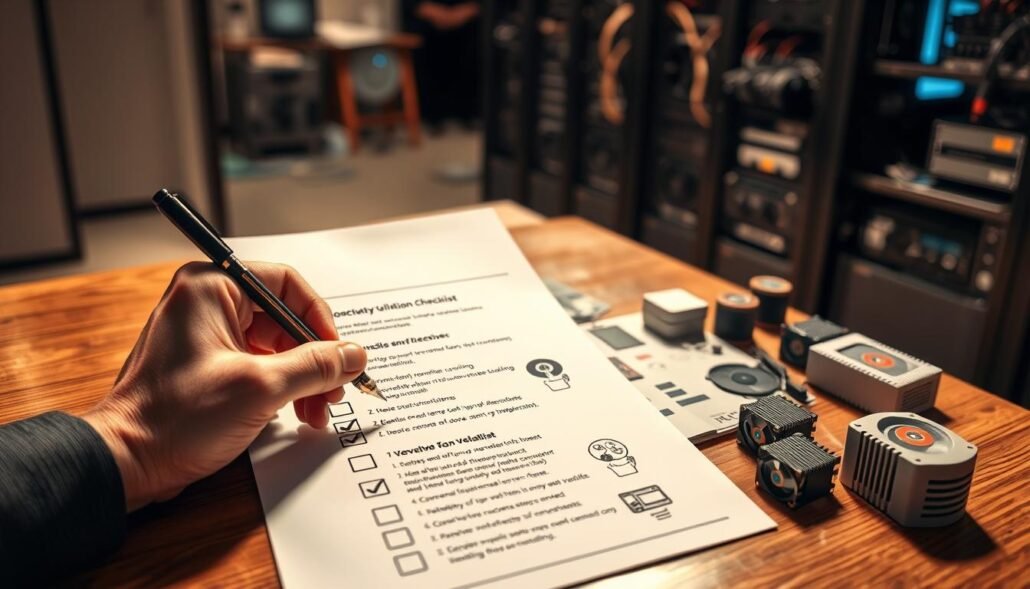
Ventilation checklist
Ensure at least a few inches of clearance on all sides. Leave open space around the front and back so air moves front-to-back or side-to-back.
Avoid stacking gear on the top panel or placing the AVR on a crowded shelf. Pull the unit forward in a cabinet when possible.
Clean the unit
Power down first. Use short bursts of compressed air and a soft brush to remove dust from vents and heat sinks.
Don’t spin fans with forced air; gently hold fan blades when needed.
Speaker wiring and impedance
Confirm each speaker is on the correct terminal. Avoid doubling channels into low-impedance loads that stress the amp.
Active cooling and operation tips
Use quiet cabinet fans or risers to create a chimney effect if heat persists. Route cables so vents at the back stay clear.
- Use Eco or low-power mode to cut idle power draw.
- Practice volume discipline and avoid long sessions at peak levels.
Monitor temperature over time after each change so you can track which solution works best. If heat returns quickly despite these steps, document the pattern and prepare for deeper diagnostics.
Advanced diagnostics: when heat points to an internal problem
When a single corner runs noticeably warmer than the rest, that pinpoints where deeper faults may hide.
Start by locating heat clusters. Check heat sinks and the output transistor area. Persistent hot spots often mean stress in final amplifier stages rather than normal load.
Targeting hot spots and transistors
Feel along the edges and near large metal sinks. If one transistor or sink is far hotter, that transistor may be failing. Class A amplifiers run hot by design, so compare against expected behavior for that amp.
Cooling spray isolation
Use brief bursts of canned cooling spray on individual transistors while playing a test tone. If distortion clears when a part cools, that part likely causes the problem.
Soldering and board safety
Desoldering power transistors requires caution. Excess heat can delaminate PCB runs and lift pads. Stop and consult a qualified tech if you lack the right tools.
Service vs. replacement
If protection trips repeat, log conditions and try known-good speakers to rule out external causes. Older models with scarce parts may be more cost-effective to replace with a modern avr that offers better thermal design.
| Symptom | Likely component | Quick test | Next step |
|---|---|---|---|
| Localized hot corner | Output transistors / heat sink | Cooling spray per transistor | Replace failing transistor |
| Repeated protection trips | Power stage or wiring | Test with known-good speakers | Check wiring, service board |
| Browning on board | PCB traces or nearby parts | Visual inspect, smell test | Professional repair or replace part |
Real-world variability: examples across receivers and amplifiers
Real-world setups show that chassis temperature varies widely between models and layouts. Different amplifier choices and internal layouts change how much heat appears during long listening sessions.
Older high-mass units that run hot by nature
Sony STR-DE935 sits near the top of this list. Dense boards and a DSP placed under the top cover add steady thermal load. These heavier units often weigh 30+ lbs and feel warmer after short time.
Moderately warm modern AVRs versus cooler models
Pioneer VSX-1017 shows moderate warmth in a 24×14 bedroom when used with full-size floor speakers. A Denon AVR-687 in a similar living room barely warms thanks to efficient supplies and Eco mode.
Small rooms, big speakers: placement and power needs
Kenwood 1090VR can run warm with small Infinity speakers in a 12×14 room. Even modest volume draws notable power in tight rooms. Avoid stacking on a shelf or jamming a unit inside a cabinet; plan cooling around the warmest model.
- Practical tip: check community comments on your model before rearranging gear.
- Solution: give older receivers extra breathing room and use quiet fans if needed.
Conclusion
After long sessions and multiple speakers, expect some surface warmth as the unit handles increased power demand. Take a strong.
Quick rule: warm feel during active playback often means the amplifier works as designed. Persistent high temps, shutdowns, or odd distortion signal a real problem that needs action.
Start with space and airflow, use Eco mode when idle, and check wiring and speaker loads. For stubborn hot spots or repeated protection trips, seek advanced diagnostics or qualified service.
Practical tip: keep cabinet doors open during video or movie time, track changes over days, and share comments with other owners to find the best solution for your model and room.