What is “Subwoofer Crawl” and how do I do it with an AVR? This section explains the process in clear terms so you can get better bass without guesswork.
The crawl means moving a bass speaker around the room to find spots with the smoothest low end.
An audio/video receiver will handle crossover, delay, bass management, and room correction. Still, the crawl solves the first challenge: physical placement.
Goal: smoother bass at the main seat, fewer dead zones, and less one-note boom. The method uses a steady test tone while you listen or measure around the room.
The article moves from room modes and placement basics to practical AVR settings, cables, and upgrades like dual units and DSP tools such as REW.
Every room behaves differently. Even with high-end gear, the best spot is discovered, not assumed.
What the “Subwoofer Crawl” Is and Why It Works in Every Room
Low bass in a listening space often behaves like waves that lock into patterns between walls and floors. These standing-wave patterns, commonly called room modes, create location-dependent peaks and nulls in the low end.
Peaks make bass feel boomy; nulls make it disappear. The same audio passage can sound tight in one seat and thin in another because your seat sits in a different part of the room’s response.
How modes form peaks and nulls
Reflected low frequencies combine and cancel at certain frequencies. That creates strong boosts at some spots and near-silence at others.
Why listening changes by seat
Bass is partly omnidirectional, but the room shapes what you hear far more than speaker aim does. Small moves often change what the ear detects.
Why the crawl helps
The crawl turns an invisible acoustic problem into an audible test. By moving the subwoofer and sampling different locations, you can find best positions with fewer deep dips.
Practical target: pick a spot with smoother response across key frequencies. A balanced, accurate low end helps movies and music sound natural, and this way works in every room—even when furniture limits choices.
- Room modes: standing waves between boundaries
- Listen from the main seat to compare peaks vs. nulls
- Prioritize fewer deep dips over maximum loudness
| Problem | Cause | Outcome |
|---|---|---|
| Boomy bass | Listener sits at a modal peak | Excess low-frequency energy, muddy impact |
| Thin bass | Listener sits in a cancellation null | Missing fundamentals, weak punch |
| Seat-to-seat mismatch | Room modes vary across the space | Inconsistent experience for different listeners |
When You Should Use the Subwoofer Crawl vs. Starting With Corner Placement
Starting in a front corner often gives quick results: louder, fuller bass with little setup fuss. Many home theater builders use this as a first try because it is convenient, often hides the unit, and usually boosts low-frequency output.
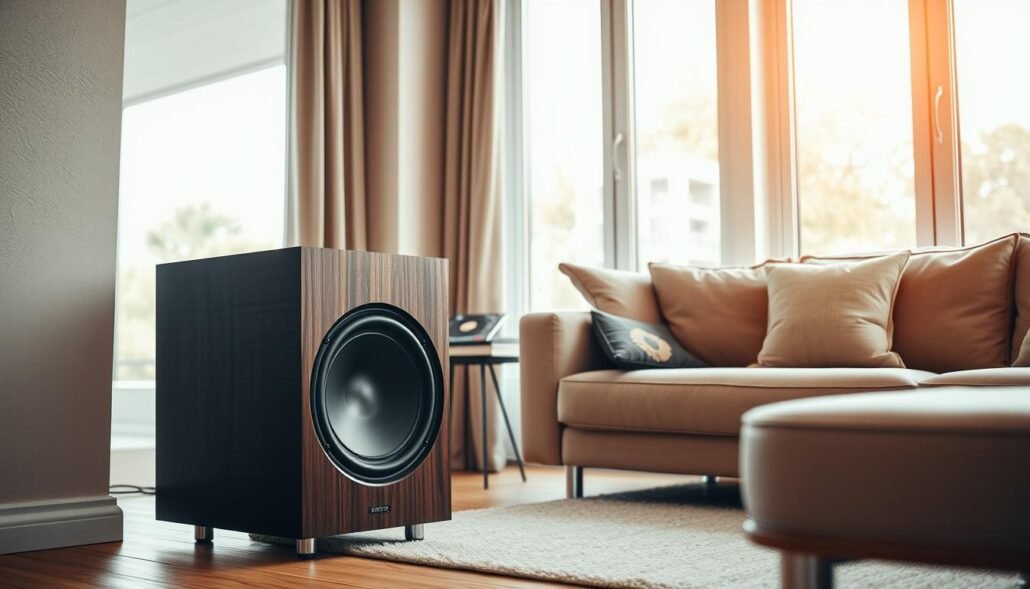
Why corners are a common first move
Corner loading means placing the sub near two walls and the floor so boundary coupling raises level and headroom. Brands like SVS and Arendal recommend this as a practical first step because it excites more room modes and increases apparent output.
Trade-offs and a simple decision rule
Corners can lower the chance of total nulls, but they may also create sharper peaks that sound boomy. If the front corner sounds balanced at your seat, keep it there. If bass sounds one-note or missing pieces, perform the crawl to compare other options.
| Benefit | Drawback | When to act |
|---|---|---|
| Higher output | Possible boomy peaks | Try corner first |
| Better headroom | Excites more modes | Crawl if unbalanced |
| Easy placement | May not fit décor | Consider dual subs or seat change |
Note: Your receiver can tune levels, delay, and room correction, but it cannot fully fix severe nulls caused by a poor physical spot. In tight spaces, prioritize what works in your home and plan future system upgrades if needed.
What is “Subwoofer Crawl” and how do I do it with an AVR?
Place the subwoofer temporarily at the main listening position so you judge the room from where you listen. Sit in the chair and set the unit on a low stool or short table to approximate ear height; being off by a foot is fine for a quick test.
Choose a reliable test signal
Loop one familiar repeating bass line for music work, use a known movie scene for LFE impact, or run pink noise if you plan to measure later. Keep level steady so comparisons are valid.
Crawl method and listening posture
With the sub at the listening spot, move it to candidate positions around the room. Listen with your ear near knee level at each stop—this matches typical sub placement and reveals room interactions.
What to listen for and the decision rule
Pick the position that gives even bass across notes, no single dominating frequency, and the fewest deep dips. Favor fewer deep nulls over fewer peaks, since your AVR and EQ can tame peaks more easily than they can fix cancellations.
Finalize placement
Move the subwoofer to the chosen position, reconnect at the receiver, then return to the seat and verify with the same test material before running any calibration or room correction.
Prep Checklist: AVR Settings, Cables, and Safety Before You Crawl
Start by assembling long signal and power leads so you can test any candidate spot safely. This saves time and keeps the process focused on the room, not on replacing gear mid-test.
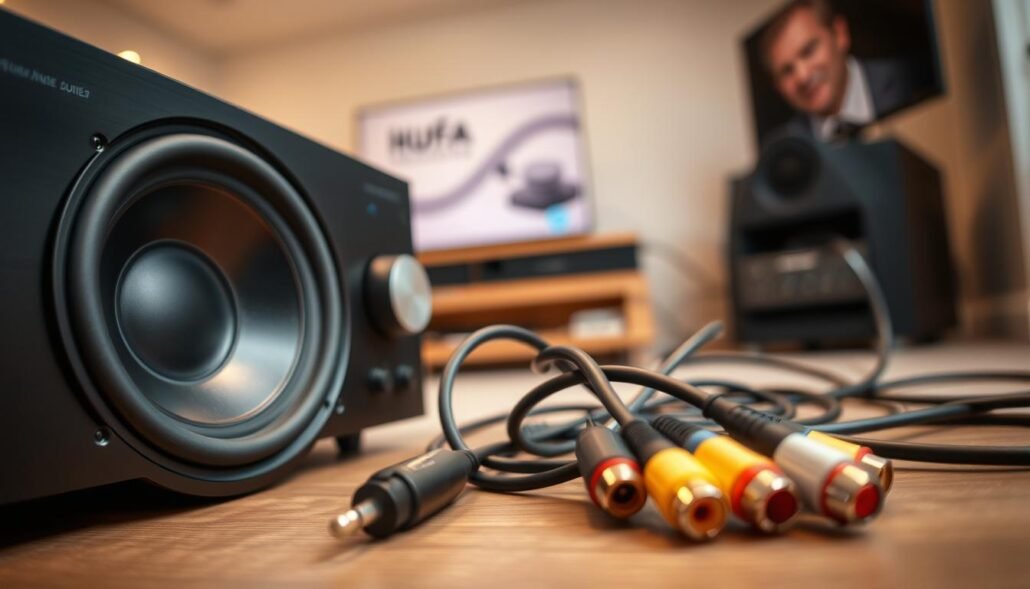
What to gather
Essentials:
- A long RCA/LFE cable or the proper adapter so the signal reaches every test point (cable count: 1–3 spares).
- An extension cord rated for the sub’s power draw to avoid low-voltage sag.
- A clear cable path to prevent trips and pinched lines while you move the unit.
Quick receiver baseline
Set the receiver to a steady input and keep volume moderate so levels match at each position. Use the same test tone or track for every stop.
Avoid toggling extra sound modes that could change bass output between checks. Consistent processing ensures you compare room behavior, not settings.
Safe handling and secure placement
Big subs can be heavy. Follow SVS advice: get help moving them and protect floors with pads. Arendal Sound notes using a longer cable and extension if needed.
Keep temporary supports stable. A wobble or rattle can mislead you into choosing a poor spot.
| Prep Item | Why it matters | Practical tip |
|---|---|---|
| Cable | Reaches all candidate locations | Bring a long RCA/LFE and an adapter |
| Receiver | Must deliver consistent output | Use one input, moderate level, no extra modes |
| Safe handling | Prevents injury and gear damage | Have a helper, use floor protection, avoid unstable stools |
| Room options | Furniture and foot traffic limit choices | List realistic spots before you start |
How to Evaluate Potential Locations: Front Stage, Side Wall, Back Wall, and Corner Spots
Start by scanning the front stage for positions that let low notes sit behind the center speaker.
Front-stage placement benefits
Front positions often blend best with your speakers and center channel. That keeps bass from sounding like a single box and preserves the soundstage.
Localization check near upper bass
Play content with energy near 80–120 Hz. If you can point to the sub as frequencies rise toward 120 Hz, swap positions or raise crossover until localization fades.
Side-wall and corner considerations
Side-wall spots can fix some modal problems but may push bass toward one ear. Test both sides to compare response.
Corners excite more modes and reduce dead spots. They can also create peaks that your receiver or room EQ must smooth. Avoid blocking walkways or doors; openings reduce corner loading benefits.
Back-of-room placement and system type
Back positions can work if the crawl finds a smoother response there. Expect tighter timing work to align with main speakers, especially in theater use.
For stereo listeners, imaging needs may change placement choices. AVRs with bass management help keep localization low when setup is correct.
| Position | Advantage | Trade-off |
|---|---|---|
| Front stage | Best blend with speakers/center | May reveal room modes up front |
| Side wall | Can reduce specific nulls | Can increase localization risk |
| Corner | Higher output, fewer nulls | May need EQ for peak smoothing |
| Back wall | Sometimes smoother response | Tighter timing alignment needed |
Lock In the Placement With Your AVR: Level, Crossover, Distance, and Room Correction
Locking placement is about more than loudness; it’s about timing, level, and a smooth handoff to your speakers.
Order the steps: finalize the location first using the crawl, then use the receiver to set level, crossover, and delay. This keeps the process focused on room behavior, not on masking problems with EQ.
Set sub level for clean impact. Aim for solid bass without clipping the amp or the receiver output stage. Too much gain often sounds muddy rather than more powerful.
Dial the crossover to match your speakers’ real roll-off. A practical rule is to start near 80 Hz and adjust so low midrange never localizes as coming from the sub.
Use distance/delay and phase to align arrival times. Move the delay in small steps and listen for tighter punch and clearer bass definition at the listening seat.
Run room correction last. Let the AVR smooth peaks once placement and timing are locked. Correction tames peaks but cannot reliably fill deep nulls created by the room.
| Step | Action | Goal |
|---|---|---|
| Placement | Choose spot using crawl | Fewer nulls, smoother raw response |
| Level | Set clean gain | Impact without clipping |
| Crossover | Match speaker roll-off | Seamless transition, no localization |
| Delay/Phase | Adjust timing | Tight integration and punch |
| Room correction | Run AVR EQ | Smooth peaks, better overall response |
Verify with the same test scene or music after calibration. Trust your ears: balance, impact, and coherent sound at the listening seat confirm success.
Advanced Options: One Subwoofer vs. Dual Subwoofers (and When to Use REW/DSP)
When space limits you to a single unit, strategy matters more than brute force. If only one spot fits the gear, pick the best compromise found during the crawl and then tweak seating if possible. Prioritize a position that avoids deep nulls near the listening seat.
Dual units help when you want smoother bass across multiple seats. Two subwoofers placed thoughtfully reduce seat-to-seat variance by exciting room modes differently than a lone unit does.
Placement patterns that work
Diagonal or opposing corners (front-right + back-left, or front-left + back-right) usually give more even mode excitation across the room. This pattern often improves consistency for several listeners.
Stacking versus mirrored placement
Stacking identical units raises output and lowers distortion by roughly 6 dB when aligned. It’s simple to set up and boosts low-end headroom for movies.
Mirrored/opposite placement gives smoother response across seats but needs careful delay and level matching via an AVR or DSP to avoid timing smears.
When to measure with REW and a calibrated mic
Use REW with a USB mic once placement is locked. Run pink noise scans with an RTA to spot peaks and dips, then perform sweeps at the listening position to confirm the final response before EQ.
| Scenario | Recommended approach | Why |
|---|---|---|
| Only one spot | Pick best compromise, optimize seat | Limits nulls, preserves clarity |
| Multiple listeners | Opposing corners or mirrored | Smoother seat-to-seat bass |
| Maximum output | Stacking identical units | Higher SPL, lower distortion |
Advanced setups benefit from AVR/DSP with independent sub outputs, adjustable delay, and level control.
Conclusion
Finish by locking the chosen spot, then use your receiver to align level, crossover, and timing.
Start with a sensible placement—corners often work—then run the crawl to compare options. Pick the location that avoids deep nulls; those are the hardest problems to fix.
After finalizing position, set level and delay, then run room correction to smooth peaks. Re-check from the main listening seat with the same test material you used during the crawl to confirm real improvement.
If one unit cannot deliver even bass across seats, consider dual subwoofers and measurement tools like REW. Those upgrades are the logical next step for consistent, repeatable results in a home theater.
FAQ
What does the subwoofer crawl do for home theater bass?
The crawl finds the spot in the room that gives the smoothest low-frequency output at the listening seat. By placing the driver at ear level in the seat and moving around the room while playing a consistent bass signal, you expose room modes that cause peaks and dips. The result helps you place the woofer where room interaction creates the most even response and best integration with main speakers.
When should I try the crawl instead of starting in a corner?
Start with the crawl when you want a tailored result for music or mixed-use rooms. Corner loading often raises overall output and headroom, which helps home theater impact. Use the crawl when room modes or seating patterns make boom or holes in bass audible at your main seat, or when corner placement creates too much boom.
How do I stage the woofer at the listening position before crawling?
Sit in the main seat and place the driver where your ears are at listening height. Set the amp or receiver to a consistent test tone and choose a reliable bass track. This lets you hear how different floor and wall positions change the response when you move from the seat to the walls while listening.
What test signals work best for the process?
Use repeating bass lines, a punchy movie clip, or pink noise with emphasis below 120 Hz. These let you judge both boominess and clarity. Avoid overly complex tracks that mask low-frequency anomalies.
How should I listen while crawling the room?
Crawl at knee level from the listening seat toward walls and corners, pausing at likely spots. Listen for the smoothest balance, favoring locations with fewer deep nulls even if some peaks remain. Peaks are easier to tame with equalization than wide nulls.
After finding a promising spot, what next?
Move the woofer to that location and verify sound from the seat. Fine-tune level, phase, and crossover on the AV receiver so bass blends with the main speakers. Run room correction last to reduce peaks while preserving impact.
What AVR settings should I prepare before crawling?
Disable dynamic bass management or automatic leveling so the signal stays steady. Set crossover to a neutral point, keep sub volume moderate, and turn off applied EQ. That keeps the test consistent so you hear room effects rather than processing changes.
Any tips for cables and safety during the process?
Use a long RCA/LFE cable and a reliable extension cord for power. Secure cables to avoid tripping. For heavy drivers, use furniture sliders or enlist help when lifting. Place the unit on a stable surface if testing on low tables or stools.
How do front-stage, side, back, and corner positions compare?
Front placement usually blends with the speakers and center. Side and back positions can reduce localization but risk uneven seat-to-seat bass. Corners boost output and headroom but can increase boom. Test likely spots during the crawl to find the best trade-off for your room and décor.
How do I prevent bass localization at higher frequencies?
Keep crossover settings where your main speakers still handle upper bass, typically above 80–120 Hz depending on the speaker. Use AVR distance, delay, and phase controls so timing aligns and the low end appears to come from the stage rather than the woofer alone.
When is corner placement the right choice?
Choose corner loading when you need maximum output for large home theater rooms or when the crawl produces an otherwise weak low end. Be ready to reduce level and use room correction to tame excessive boom.
How do I set level, crossover, distance, and run room correction after placement?
Set level so bass is strong but not clipping. Select a crossover that matches speaker low-frequency capability. Adjust distance/delay and phase for tight integration, then run the AVR’s room correction to smooth peaks. Trust listening checks after automated correction.
Single sub versus dual subs—when should I measure with REW or use DSP?
Use one driver when space limits you or when one excellent spot exists. Add a second unit to reduce seat-to-seat variation and even out room modes. Measure with REW and a calibrated mic if you want precise frequency responses and to apply DSP or EQ for the best possible smoothing.