Building the perfect home audio setup often leads to confusing technical questions. Many enthusiasts wonder if they might damage their gear when mixing components that feature different impedance ratings. This specific mismatch between 4-ohm speakers and an 8-ohm receiver remains a frequent point of debate in the audiophile community.
Understanding the relationship between electrical resistance and power output is essential for any sound system owner. If you ignore these technical specifications, you risk overheating your hardware or causing unwanted distortion during playback. Proper electrical compatibility ensures that your music sounds clear and your equipment lasts for many years. Before you finalize your wiring, take a moment to learn how these two components interact under load.
Understanding Impedance and Receiver Compatibility
When you connect speakers to an amplifier, you are creating a complex electrical circuit. This connection relies on audio impedance, which acts as the gatekeeper for how much power flows from your receiver to your speakers.
Understanding this relationship is vital for protecting your equipment. If you ignore these technical limits, you risk poor sound quality or even permanent hardware failure.
The Role of Ohms in Audio Systems
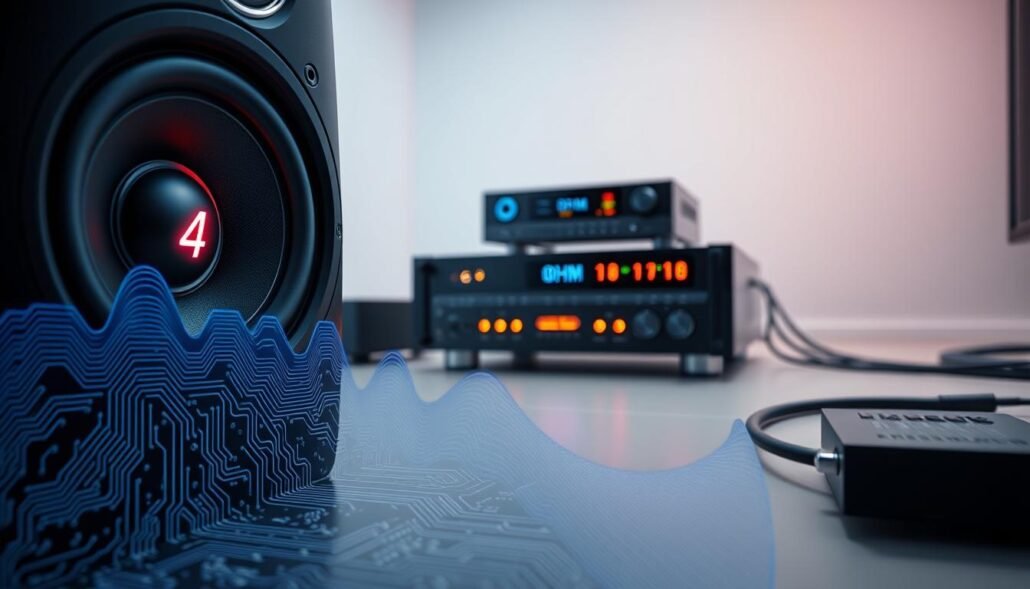
At its core, impedance is simply the electrical resistance that a speaker presents to an amplifier. This value is measured in speaker ohms, which tells the receiver how hard it must work to push a signal through the wire.
Think of it like water flowing through a pipe. A lower ohm rating is like a wider pipe, allowing more current to flow freely, while a higher rating acts like a narrow pipe that restricts the flow.
Why Receivers are Rated for Specific Impedance
Manufacturers assign specific ratings to ensure receiver compatibility with various speaker types. These ratings exist because the internal power supply has a finite capacity to handle current draw.
If a receiver is designed for 8-ohm loads, its internal components are calibrated to manage a specific amount of heat and energy. Pushing beyond these limits can cause the power supply to struggle, leading to thermal shutdown or internal damage.
The Risks of Mismatched Impedance
An impedance mismatch occurs when you force a receiver to drive a load it was not designed to handle. When you connect a 4-ohm speaker to an 8-ohm output, the amplifier may attempt to deliver twice the current required.
This excessive current flow creates significant stress on sensitive internal components. Over time, this leads to overheating, distorted audio, and the potential for the amplifier to fail completely. Always verify your hardware specifications before making connections to ensure your system remains safe and functional.
Can I use 4-ohm speakers with an 8-ohm rated receiver?
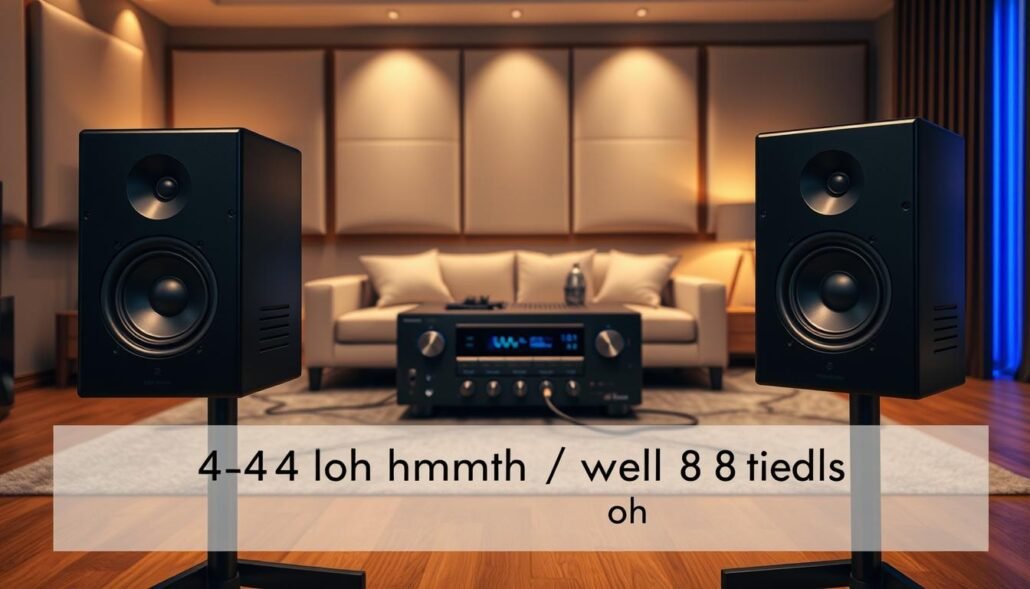
The compatibility between 4-ohm speakers and an 8-ohm receiver is a common point of confusion for many home theater owners. While it is technically possible to make this connection, you must understand the physical limitations of your hardware. Pushing your system beyond its design parameters can lead to permanent damage if you are not careful.
Analyzing the Electrical Load on Your Amplifier
When you connect a lower impedance speaker, you significantly increase the amplifier load. An 8-ohm receiver is designed to provide a specific amount of current to the speakers. By cutting that impedance in half, you essentially force the amplifier to work twice as hard to move the speaker cones.
This increased demand requires the power supply to deliver more current than it might be rated for. If the internal components cannot handle this extra stress, the system will struggle to maintain stable performance. Over time, this constant strain can degrade the internal circuitry of your receiver.
Identifying Potential Overheating and Clipping Issues
One of the most immediate risks of this mismatch is speaker clipping. This occurs when the amplifier runs out of headroom and can no longer provide the power needed for the audio signal. Instead of a clean wave, the output becomes flattened, which creates audible sound distortion.
Beyond poor audio quality, you must watch for signs of amplifier overheating. If your receiver feels excessively hot to the touch or shuts down unexpectedly, it is likely struggling with the load. Keep an eye out for these warning signs:
- The receiver enters a protection mode and shuts off during loud passages.
- The chassis feels hot near the ventilation ports after short periods of use.
- You hear a harsh, buzzing sound when turning up the volume.
- The audio signal cuts in and out intermittently.
When It Is Safe to Proceed
It is generally safe to use this configuration if you practice responsible volume management. Most modern receivers can handle a 4-ohm load at low to moderate volume levels without issue. The danger arises when you push the system to its maximum capacity for extended periods.
If you choose to proceed, ensure your equipment has plenty of room to breathe. Keep the volume at a reasonable level and listen closely for any signs of stress. By maintaining a conservative volume, you can enjoy your audio setup without risking the health of your amplifier.
Step-by-Step Guide to Connecting Low-Impedance Speakers
Integrating 4-ohm speakers into your home theater setup is a manageable task if you follow the right steps. Taking the time to configure your equipment correctly ensures that your system runs efficiently without risking damage to your amplifier. A methodical approach helps you achieve the best possible audio performance.
Checking Your Receiver Specifications for Impedance Settings
Before you begin, consult your owner’s manual to verify the capabilities of your hardware. Many modern receivers include specific receiver settings that allow you to toggle between different impedance loads. Understanding these requirements is the first step in protecting your investment.
Adjusting Internal Settings for 4-Ohm Compatibility
If your receiver supports lower impedance, you may need to access the software menu to make adjustments. Look for an option labeled “Impedance” or “Speaker Load” within the setup interface. Carefully selecting the 4-ohm mode helps the amplifier manage the increased electrical current more effectively.
Proper Wiring Techniques to Minimize Resistance
Effective speaker wiring is essential for maintaining signal integrity across your room. Poor connections or thin cables can increase resistance, which puts unnecessary strain on your receiver. Using the right materials will help your system run cooler and sound clearer.
Using High-Quality Speaker Wire
Investing in high-quality speaker wire is a simple way to reduce signal loss. Thicker gauge wire is generally preferred for longer runs to ensure that power reaches your speakers without significant degradation. This small upgrade makes a noticeable difference in overall sound quality.
Ensuring Secure Connections at the Terminals
Always double-check your terminal connections to ensure they are tight and free of stray wire strands. Loose wires can easily touch, creating a short circuit that might trigger your receiver’s protection mode. Always verify that the positive and negative leads are firmly seated before powering on your system.
Best Practices for Monitoring System Performance
Vigilance is the key to maintaining peak audio performance when your hardware is under pressure. When you pair low-impedance speakers with a standard receiver, the internal components work much harder than usual. Staying aware of how your system behaves during playback is the best way to ensure long-term audio system safety.
Managing Volume Levels to Prevent Thermal Shutdown
The most effective way to avoid hardware failure is to keep a close eye on your volume settings. Pushing the volume to extreme levels forces the amplifier to draw more current, which generates significant heat. If the internal temperature rises too quickly, the receiver will trigger its thermal protection circuit to shut down and prevent permanent damage.
Try to keep your listening levels within a moderate range, especially during long sessions. If you notice the receiver feels excessively hot to the touch, turn the volume down immediately. Giving the system a short break allows the internal components to cool off and return to a safe operating temperature.
Recognizing Signs of Amplifier Stress
Your ears are often the first line of defense when it comes to detecting potential issues. If you hear audible distortion or a fuzzy quality in the sound, it is a clear sign that the amplifier is struggling to keep up with the electrical load. This clipping effect can damage both your speakers and the receiver if left unchecked.
Beyond sound quality, use your other senses to monitor the equipment. A faint smell of hot electronics or burning dust is a major warning sign that the unit is overheating. If you detect any unusual odors, power down the system right away and inspect your connections.
Improving Ventilation for Your Audio Equipment
Proper airflow is essential for keeping your receiver cool during demanding playback. Never place your audio equipment in a closed cabinet or stack other devices directly on top of it. These actions trap heat and significantly reduce the lifespan of your internal circuitry.
Ensure there is at least four to six inches of open space around the top and sides of the unit. If your setup is in a tight space, consider using a small, quiet cooling fan to help circulate air. By prioritizing audio equipment ventilation, you create a stable environment that allows your system to perform at its best for years to come.
Conclusion
Balancing impedance levels requires careful attention to detail to ensure your equipment lasts for years. You can achieve a high-performance home theater setup by respecting the electrical limits of your amplifier. Always prioritize the longevity of your hardware over pushing volume levels to the extreme.
Monitoring heat output remains the best way to prevent permanent damage to your receiver. Proper ventilation keeps internal components cool during intense movie sessions or music playback. A well-maintained home theater setup delivers consistent sound quality without the risk of thermal shutdown.
Check your specific manufacturer manuals from brands like Denon, Marantz, or Yamaha for precise compatibility details. These documents provide the exact guidance needed for your unique hardware configuration. Taking these small steps secures your investment and provides peace of mind for every listening experience.
FAQ
Is it safe to connect 4-ohm speakers to an 8-ohm rated receiver?
Yes, it is possible, but you must proceed with caution. A 4-ohm load draws significantly more current from the power supply than an 8-ohm speaker. If you are using a receiver like the Sony STR-DH790, you must monitor the volume levels closely to ensure the internal components do not exceed their thermal limits.
What exactly is impedance in a home audio setup?
Impedance, measured in ohms, represents the electrical resistance that a speaker presents to the amplifier output. In a standard home audio setup, most equipment is rated for 8 ohms. When you drop to 4 ohms, the receiver faces less resistance, which forces it to work harder to maintain the audio signal.
What are the primary risks of a mismatched impedance configuration?
The most common risks include amplifier overheating and speaker clipping. Clipping occurs when the amplifier runs out of headroom and begins to truncate the audio waveform, creating distorted signals that can permanently damage your high-quality audio gear. In extreme cases, the receiver may enter protection mode to prevent a total hardware failure.
How can I check if my receiver has specific impedance settings?
You should consult your manufacturer manuals for brands like Denon, Yamaha, or Marantz. Many modern units feature a software menu where you can toggle 4-ohm compatibility. Adjusting these impedance settings limits the rail voltage, which helps manage the current draw and reduces the risk of a thermal shutdown.
Does the quality of speaker wire impact system performance?
Yes, high-quality speaker wire is essential when dealing with low-impedance loads. Using a thicker gauge, such as 14-gauge oxygen-free copper from AudioQuest, helps minimize signal loss and additional resistance across the cable run. Ensure you have secure terminal connections to prevent short circuits that could trigger the receiver’s safety protocols.
What are the early signs that my amplifier is under excessive stress?
Be alert for audible distortion, even at moderate volumes, or the distinct smell of hot electronics. If the chassis of your Onkyo or Pioneer receiver feels excessively hot near the ventilation ports, the system is likely struggling. Improving heat dissipation by providing more open space or using an AC Infinity cooling fan can help protect your investment.
Can I use 4-ohm speakers for a high-volume home theater setup?
While possible, it is not recommended for sustained high-volume playback unless your receiver is specifically rated for 4-ohm loads. Continuous high-output sessions increase the likelihood of thermal shutdown. To maintain the longevity of your equipment, keep the volume at a reasonable level and ensure the receiver specifications align as closely as possible with your speakers’ requirements.