Achieving studio-grade audio within a home environment requires precision and patience. Many enthusiasts struggle to blend their main units with a subwoofer, often resulting in muddy bass or thin mid-range performance. Finding an optimal crossover frequency remains the most critical step in creating a seamless soundstage.
This speaker calibration guide provides a clear path toward professional results. By balancing your audio system, you unlock hidden clarity and deep impact in every movie or song. Follow these structured steps to transform your living room into a high-fidelity listening space.
Key Takeaways:
- Understand why precise transitions matter for sound quality.
- Learn to identify the ideal balance between subwoofers and main units.
- Master techniques used by professionals to achieve studio-level performance.
Understanding the Role of Crossover Frequencies
The secret to a professional-sounding home theater lies in the precise management of sound frequencies. When you configure your system correctly, you ensure that every driver handles only the sounds it was designed to reproduce. This foundational step is essential for achieving home theater sound quality that rivals a commercial cinema.
Defining the Crossover Point
The crossover point acts as a digital or physical gatekeeper within your audio setup. It is the specific frequency where the audio signal is split between your subwoofer and your satellite speakers. Below this point, the subwoofer takes over the heavy lifting of deep bass, while the satellite speakers handle the mid-range and high-frequency sounds.
Finding the optimal crossover frequency is a balancing act that requires careful calibration. If the point is set too high, you might hear localized bass coming from the wrong direction. If it is set too low, your smaller speakers may struggle to keep up with the demands of low-frequency output.
Why Proper Frequency Management Matters for Sound Quality
Effective audio frequency management prevents your equipment from working harder than it needs to. When speakers attempt to reproduce sounds outside their physical capabilities, they often suffer from audible strain and distortion. By offloading these demanding frequencies to a dedicated subwoofer, you protect your gear and clarify your soundstage.
Mastering these concepts provides several distinct advantages for your listening environment:
- Reduced Distortion: Your main speakers operate with greater clarity when freed from deep bass duties.
- Increased Headroom: The entire system can play louder without reaching its physical limits.
- Seamless Integration: A well-tuned crossover creates a cohesive sound field where the transition between speakers is invisible to the ear.
Ultimately, consistent audio frequency management is the key to a balanced system. By respecting the physical limits of your hardware, you ensure that your home theater sound quality remains crisp, powerful, and immersive for every movie or song you enjoy.
How do I set the correct crossover frequency for my speakers?
Setting your crossover points correctly bridges the gap between technical standards and your personal taste. Effective audio frequency management ensures that your system delivers a balanced, immersive soundstage. By fine-tuning your speaker crossover settings, you allow each component to perform at its absolute best.
Identifying the THX Standard vs. Personal Preference
The industry-recognized THX audio standards typically suggest a fixed crossover point of 80Hz for most home theater setups. This benchmark provides a reliable starting point that minimizes localization of the subwoofer while ensuring the main speakers handle mid-to-high frequencies efficiently. However, these standards are not absolute laws for every living room.
You might find that your specific room acoustics or speaker drivers perform better at slightly different frequencies. Some listeners prefer a higher crossover point to reduce the workload on smaller satellite speakers, which can lead to cleaner output at higher volumes. Ultimately, the goal is to achieve a seamless transition that sounds natural to your ears.
The Relationship Between Subwoofers and Satellite Speakers
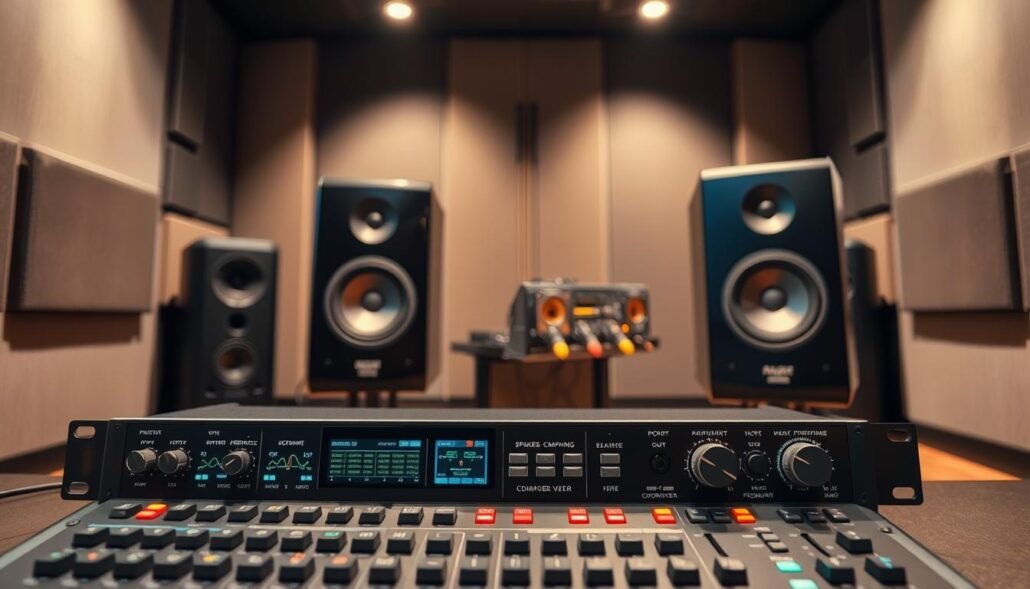
Successful subwoofer integration relies on the harmonious partnership between your low-frequency driver and your satellite speakers. These components must work in tandem to cover the entire audible spectrum without gaps or muddy overlaps. When the crossover is set correctly, the subwoofer seamlessly takes over the deep bass duties that smaller speakers simply cannot reproduce.
If the crossover is set too low, your satellite speakers may struggle to produce deep bass, leading to audible distortion or a thin sound. Conversely, setting it too high can make the subwoofer’s location obvious, which ruins the illusion of a cohesive soundstage. Proper calibration ensures that the transition between these units remains invisible to the listener, creating a unified and powerful audio experience.
Assessing Your Speaker Specifications and Room Acoustics
Precise audio calibration begins with a thorough assessment of your equipment and the physical space. Before you adjust any settings, you must understand how your speakers interact with your room. This analytical approach ensures that your final configuration is based on the physical reality of your listening environment.
Analyzing Frequency Response Curves
Every speaker has a unique frequency response profile that dictates its performance limits. You should consult the manufacturer’s data to identify the natural roll-off points of your equipment. Understanding these limits prevents you from asking your speakers to produce sounds they simply cannot handle.
By reviewing the speaker frequency response, you can determine where your subwoofer should take over. This transition point is vital for maintaining a smooth, consistent sound across the entire audible spectrum. Ignoring these curves often leads to gaps in the audio output or unnecessary strain on your drivers.
Accounting for Room Modes and Standing Waves
Your room is the final component of your audio system, and it often dictates the quality of your output. Room acoustics optimization is essential because your walls, floor, and ceiling reflect sound waves. These reflections can create standing waves, which lead to uneven bass distribution.
When sound waves bounce back and forth, they can cause certain frequencies to cancel out or become overly loud. This phenomenon often results in muddy or thin bass that masks the clarity of your music or movies. Proper placement and treatment are the best ways to mitigate these acoustic anomalies.
How Room Size Influences Bass Response
The physical dimensions of your listening area play a massive role in bass response tuning. Larger rooms often require more power and different crossover strategies to fill the space effectively. Conversely, smaller, treated rooms may require more subtle adjustments to prevent the bass from becoming overwhelming.
| Room Size | Primary Challenge | Calibration Strategy |
|---|---|---|
| Small Room | Standing Waves | Use bass traps and lower crossover |
| Medium Room | Balanced Response | Standard calibration with minor EQ |
| Large Room | Power Requirements | Higher crossover and multiple subwoofers |
Step-by-Step Calibration Process for Home Theater Systems
Achieving professional home theater sound quality requires a systematic approach to system calibration. By following a structured speaker calibration guide, you can ensure that your audio components work in perfect harmony to deliver a cinematic experience.
Step 1: Setting Speaker Sizes to Small
The first critical step in any setup is configuring your speakers to “Small” within your receiver’s menu. This setting does not refer to the physical size of the cabinet, but rather the frequency handling capability of the driver.
By selecting “Small,” you instruct the receiver to redirect low-frequency energy away from your satellite speakers. This protects your drivers from distortion and allows them to focus on mid and high-range clarity.
Step 2: Determining the Low-Frequency Extension
Once your speakers are set, you must identify the natural roll-off point of your specific drivers. This is essential for choosing the correct speaker crossover settings to ensure a smooth transition between your speakers and the subwoofer.
Consult your manufacturer’s specifications to find the frequency where your speakers begin to lose output. Setting your crossover slightly above this point provides a seamless blend of sound across the entire spectrum.
Step 3: Adjusting the LFE Channel Settings
The Low-Frequency Effects (LFE) channel is dedicated to the deep bass found in movie soundtracks. You should typically set the LFE low-pass filter to 120Hz to capture the full range of intended bass impact.
Ensure that your subwoofer volume is balanced with your main speakers to avoid overwhelming the room. A well-calibrated LFE channel provides the visceral rumble that defines a high-end home theater.
Step 4: Running Automated Room Correction Software
Modern receivers include advanced software to finalize your system’s performance by measuring your room’s unique acoustics. These tools help you align your system with THX audio standards for a balanced and immersive soundstage.
After the software completes its analysis, review the results to ensure the crossover points and distance settings look accurate. Fine-tuning these automated results often provides the final touch needed for a truly professional audio environment.
Fine-Tuning Crossover Points for Stereo Music Setups
When you listen to music, the transition between your speakers and subwoofer must be completely invisible to the ear. Achieving this level of performance in a stereo music setup requires a different approach than a multi-channel home theater. The focus here is on musicality and ensuring that the low-end support feels like a natural extension of your main speakers.
Matching Crossover Points to Driver Size
The physical size of your speaker drivers dictates how low they can comfortably play. Smaller bookshelf speakers often struggle with deep bass, so they require a higher crossover point to prevent distortion. By offloading these low-frequency demands to a dedicated subwoofer, you allow your main speakers to maintain a cleaner speaker frequency response.
If you use 4-inch drivers, a crossover point around 80Hz to 100Hz is usually ideal. Larger 6.5-inch drivers might perform better with a crossover set closer to 60Hz. Always check the manufacturer’s specifications to see where your speakers naturally begin to roll off.
Blending the Subwoofer with Floor-Standing Speakers
Floor-standing speakers often have impressive bass capabilities, which can make subwoofer integration feel tricky. You want to avoid overlapping frequencies that cause a “boomy” or bloated sound in the mid-bass region. The goal is to supplement the lowest octaves without muddying the clarity of your main speakers.
Start by setting your crossover point slightly above the point where your floor-standing speakers naturally lose output. This creates a smooth hand-off that preserves the punch of kick drums and the warmth of bass guitars. Proper alignment ensures that the soundstage remains cohesive and focused.
Testing for Seamless Transitions Using Frequency Sweeps
Once you have set your initial crossover, you must verify the results. Frequency sweep testing is the most effective way to identify audible gaps or peaks in the crossover region. By playing a tone that slides from 40Hz to 150Hz, you can listen for sudden changes in volume.
If you hear a dip, your crossover point might be too low or your phase settings may be incorrect. If you hear a loud peak, try adjusting the crossover frequency slightly or changing the subwoofer’s phase switch. Patience during this phase will reward you with a balanced and immersive listening experience.
Common Mistakes to Avoid During Audio Calibration
Proper audio calibration is the difference between a muddy soundstage and a crystal-clear listening experience. While the initial setup process is exciting, avoiding common pitfalls is essential for audio distortion prevention. Taking the time to refine your settings ensures that your system performs at its peak for years to come.
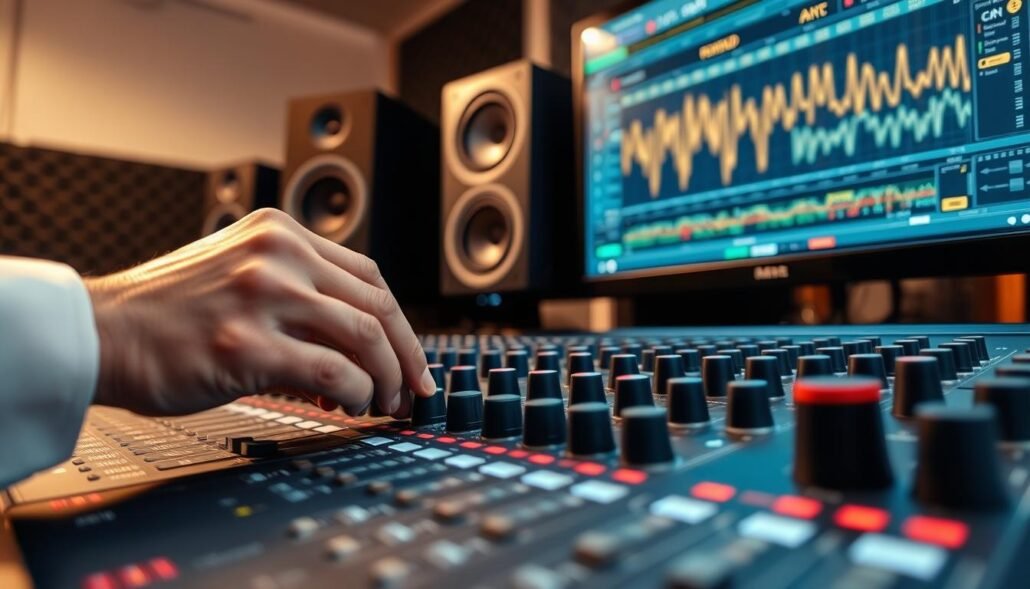
The Dangers of Overlapping Frequencies
One of the most frequent errors involves setting crossover points that overlap too significantly. When both your subwoofer and main speakers attempt to reproduce the same mid-bass frequencies, the result is often bloated or boomy bass. This lack of precision ruins the clarity of your music and masks subtle details in the recording.
To maintain a clean stereo music setup, you must ensure a smooth handoff between your drivers. If the frequencies overlap, the sound becomes muddy and loses its punch. Proper management of these ranges keeps the bass tight and responsive.
Why Setting Speakers to Large Can Cause Distortion
Many users mistakenly set their satellite speakers to “Large” in their receiver settings. This configuration forces small drivers to handle deep bass frequencies they were never designed to manage. This leads to audio distortion prevention failures, as the speakers struggle to move enough air at low volumes.
By setting your speakers to “Small,” you allow the subwoofer to handle the heavy lifting. This simple change reduces mechanical strain on your main drivers. It also allows your system to play louder and cleaner without the risk of clipping or unwanted vibration.
Ignoring Phase Alignment Issues
The final critical error involves neglecting phase alignment during the calibration process. If your subwoofer is out of phase with your main speakers, the sound waves can actually cancel each other out. This creates a hollow, thin sound that lacks impact, especially in the lower registers.
Correcting this issue is vital for a balanced stereo music setup. You can often adjust the phase settings on your subwoofer or through your receiver’s software. Ensuring that all speakers are pushing and pulling in unison is the secret to achieving a cohesive and powerful soundstage.
Advanced Tools and Software for Precision Tuning
Precision tuning is the bridge between a good system and a truly immersive sonic experience. While automated systems provide a solid foundation, room acoustics optimization often requires a deeper dive into the raw data of your environment. By utilizing professional-grade diagnostic tools, you can identify hidden issues that standard calibration might overlook.
Using Measurement Microphones for Real-Time Analysis
A calibrated measurement microphone is the most critical piece of hardware for any serious audio enthusiast. Unlike standard microphones included with receivers, these tools offer a flat frequency response that captures sound exactly as it exists in the room. This allows for accurate frequency sweep testing across the entire audible spectrum.
By feeding this data into your computer, you can see how your speakers interact with your walls and furniture in real time. This process is essential for audio distortion prevention, as it highlights specific frequencies that may be causing unwanted resonance or clipping.
Leveraging Room EQ Wizard for Detailed Graphs
Room EQ Wizard (REW) is the industry-standard software for analyzing audio performance. It transforms complex acoustic data into easy-to-read graphs that show your system’s output at every frequency. You can use these visuals to pinpoint exactly where your crossover points need adjustment for a smoother transition.
The software allows you to simulate different filter settings before applying them to your hardware. This analytical approach ensures that your final configuration is based on objective measurements rather than guesswork.
Interpreting Waterfall Plots for Bass Decay
Waterfall plots provide a three-dimensional view of how sound energy dissipates over time in your room. They are particularly useful for bass response tuning, as they reveal how long low-frequency notes linger after the signal stops. If you notice a long “tail” in your bass, it indicates a room mode that requires acoustic treatment or specific equalization.
Understanding these plots also helps you verify phase alignment between your subwoofer and main speakers. When the decay is tight and controlled, your system will produce punchy, articulate bass that does not muddy the rest of the soundstage.
| Tool Type | Primary Function | Benefit to User |
|---|---|---|
| Measurement Mic | Data Capture | High accuracy for raw sound |
| REW Software | Data Visualization | Detailed frequency mapping |
| Waterfall Plots | Decay Analysis | Identifies bass ringing |
| Signal Generator | Test Tones | Verifies speaker output |
Conclusion
Achieving the ideal crossover frequency transforms your audio system from a standard setup into an exceptional listening experience. You gain control over your soundstage by balancing frequency response and phase alignment with precision.
Professional audio measurement tools provide the clarity needed to make these adjustments with confidence. Using these devices allows you to visualize how your speakers interact with your specific room dimensions.
You should view this calibration process as an ongoing journey rather than a single task. Small tweaks to your settings often yield significant improvements in clarity and depth.
Reliable audio measurement tools help you verify that your subwoofer and satellite speakers work in perfect harmony. This level of detail ensures your home theater or stereo system honors the intent of every recording.
Take time to experiment with different settings to find what sounds best to your ears. Consistent testing keeps your equipment performing at its peak for years to come.
FAQ
What is the industry standard for setting a crossover frequency?
The THX standard widely recommends a crossover frequency of 80Hz. This setting is considered the “sweet spot” for most home theater systems because it allows the subwoofer to handle demanding low-end frequencies while freeing up satellite speakers or bookshelf speakers from brands like Klipsch or SVS to focus on mid-range clarity and high-frequency detail.
Why should I set my speakers to “Small” in my AV receiver settings?
Setting speakers to Small is a critical step in audio frequency management. Regardless of the physical size of your floor-standing speakers, this setting instructs your AV receiver, such as a Denon or Marantz unit, to redirect frequencies below the crossover point to the subwoofer. This prevents audio distortion and protects your primary drivers from attempting to reproduce sounds outside their physical capabilities.
How do room acoustics and room modes affect bass performance?
Room acoustics play a massive role in how we perceive sound. Room modes and standing waves are acoustic resonances that occur based on your room size, often resulting in “boomy” or “muddy” bass in certain areas of the room. By focusing on room acoustics optimization, you can mitigate these issues to achieve a more balanced soundstage and consistent frequency response.
What is the difference between the crossover point and the LFE channel?
The crossover point is the specific frequency where the signal is split between the speakers and the subwoofer. In contrast, the LFE (Low-Frequency Effects) channel is a dedicated track in surround sound formats like Dolby Atmos or DTS:X specifically for deep, cinematic bass. Most experts recommend setting the LFE channel settings to 120Hz to ensure no data from the dedicated bass track is lost.
How do I know if my subwoofer and speakers are suffering from phase alignment issues?
Phase alignment issues occur when the sound waves from your subwoofer and main speakers cancel each other out, leading to a thin or weak sound at the crossover point. To identify this, you can use frequency sweeps; if the bass seems to disappear or weaken significantly at the crossover frequency, you likely need to adjust the phase switch on your subwoofer—such as those found on KEF or Velodyne models—to ensure they are working in harmony.
What professional tools can I use for precision audio tuning?
To achieve studio-quality results, many enthusiasts use a measurement microphone like the miniDSP UMIK-1 in conjunction with Room EQ Wizard (REW). These tools allow you to view detailed frequency response curves, waterfall plots, and bass decay graphs. Analyzing these visuals helps you identify problematic ringing and fine-tune your automated room correction software, such as Audyssey or Dirac Live, for maximum precision.
Can I set different crossover points for different speakers in my setup?
Yes, this is often necessary for a balanced system. For example, you might set a higher crossover for smaller satellite speakers (e.g., 100Hz) and a lower crossover for larger floor-standing speakers (e.g., 60Hz). Matching crossover points to the specific driver size and low-frequency extension of each component ensures a seamless transition across the entire audible spectrum.