
This short guide answers the core question and explains what that message means, why it appears, and how to stop the shutdown cycle without risking your audio system.
Start safe: cut power correctly and protect your speakers during checks. These quick steps prevent damage and set a calm pace for testing.
We outline common patterns that trigger the warning on both stereo units and an avr, and show how to isolate wiring, a speaker fault, or a configuration mistake.
What to expect: a clear read of the message and protection behavior, a fast-to-deeper isolation workflow, and guidance on when DIY is fine versus when a bench test is needed.
Skim the overview, then click expand on the numbered steps later for photos and outcomes. Thanks for trusting this walkthrough — good luck as you begin.
What the “Check SP Wires” message means and why your receiver shuts down
A protection warning happens when the amp senses a fault on a speaker output and cuts power to protect the output transistors.
The message indicates the protection circuit detected a short, overload, or abnormal draw on a channel. Typical triggers include stray copper bridging binding posts, nicked insulation touching the chassis, or a speaker with a damaged voice coil acting like a near-short.
Low loads can also trip protection. A nominal 8-ohm speaker can dip under 4 ohm at some frequencies and cause an overload. Rapid on/off cycles, brownouts, or unstable power make the problem intermittent.
Start with simple checks: inspect speaker terminals, re-seat connections, and verify the speaker impedance set in the menu matches your speakers. Multi-channel units may scan each channel; one failing speaker can shut the whole system.
- Loose screws or bad crimps add resistance and can arc under load.
- Heat and long play times reduce headroom and raise trip risk.
- If the alert persists with no cables attached, an internal fault may be present.
| Cause | Likely Sign | First Check |
|---|---|---|
| Stray copper strands | Immediate shutdown when powered | Inspect and trim wire ends, re-secure terminals |
| Damaged speaker voice coil | Low impedance under load, distorted sound | Test with a known-good speaker on the same channel |
| Incorrect impedance setting | Frequent trips during high volume | Set speaker/ohm option to match speaker rating |
| Power anomalies (brownout) | Intermittent message at random times | Check outlet, try a different circuit or surge protector |
Step-by-step fixes to resolve the Check SP Wires issue on your receiver
Follow these clear steps to isolate a speaker or wiring fault and stop repeated shutdowns.
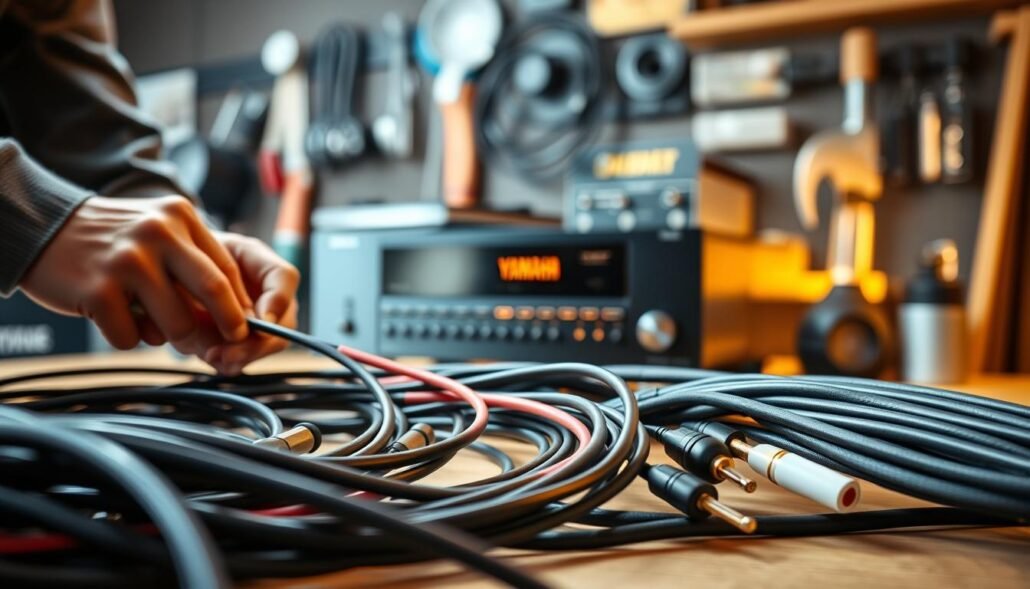
Power and safety first
Power down: flip the rear master switch if present, unplug the cord, and wait at least 60 seconds so the unit discharges before touching any wiring.
Inspect cables and terminations
Inspect all speaker wires end-to-end for nicks, crushed insulation, or stray strands that could bridge terminals.
Gently tug each connection to confirm a solid contact. Re-strip or re-seat bare wire terminations if needed.
Banana plugs and binding posts
Remove and re-seat banana plugs at both ends. Make sure no copper strand pokes out and touches the chassis or adjacent posts.
Channel isolation test
Test one channel at a time: connect a single speaker, play at low volume, and watch for a trip. Repeat for left, right, center, then surrounds.
Impedance and settings
Measure speaker ohms at the terminals with speakers disconnected. In the menu, set the ohm/impedance option to match the speaker rating.
Crossovers, swaps, and rechecks
Check crossover, EQ, and bass boosts. High bass can push low-frequency current into a low-ohm region and cause trips.
Try known-good cables and a spare speaker on the suspect channel. If the problem follows the cable or speaker, it is not the amplifier stage.
| Step | Action | Quick result |
|---|---|---|
| 1 | Power down, unplug, wait 60s | Safe handling; reduced shock risk |
| 2 | Inspect speaker wire from amp to speaker | Find nicks, stray strands, crushed insulation |
| 5 | Test channels one at a time | Isolates faulty channel or speaker |
| 9 | Swap in known-good cables/speaker | Determines cable vs. speaker fault |
Yamaha receiver: How do I fix “Check SP Wires”?
A random shutdown tied to specific inputs often points to movement, grounding quirks, or intermittent contacts. Vinyl, an older PlayStation CD, Bluetooth, and streaming each present different grounding and gain behaviors that can reveal a wiring fault.
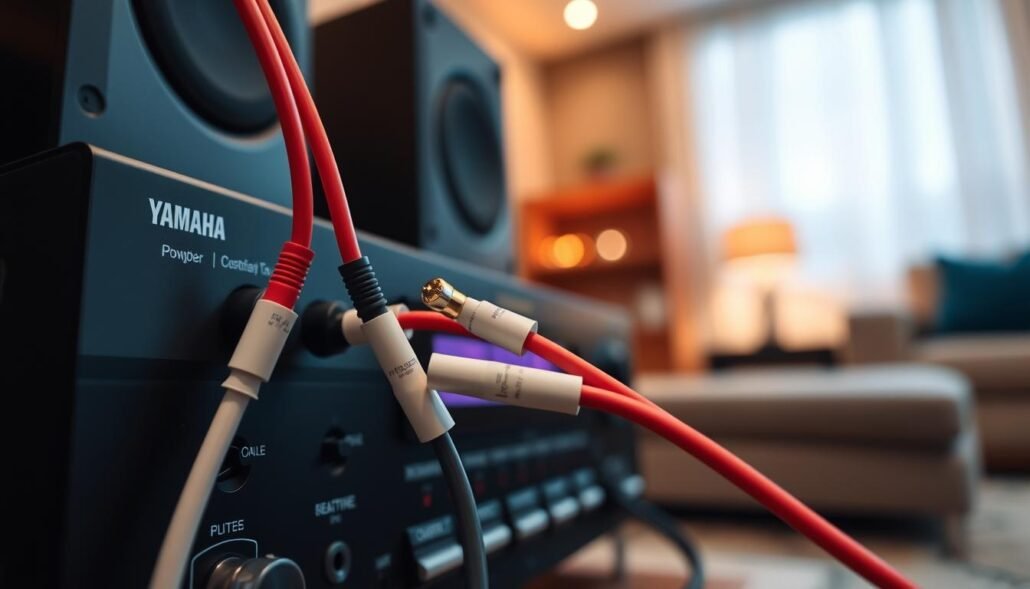
Bi-wiring note: With Q Acoustics Concept 20, check polarity on all four terminals. Look for stray strands that might bridge HF and LF posts. If you revert to single wiring, reinstall factory jumpers tightly to avoid a partial short.
- If banana plugs are fitted, pull and reinsert with a gentle twist so the barrel seats fully; a misaligned plug can expose conductive metal to the binding post collar.
- Missing or loose turntable ground (Rega Planar 2) can create hum or DC-sense anomalies. Ground the turntable to the receiver ground post and retest.
- Long runs (7 m vs 5 m) are fine with 14 AWG or thicker. Unequal lengths rarely cause safety issues; undersized speaker wire raises resistance and heat risk.
Practical checks: lower analog input gain, disable heavy bass boosts, and raise the crossover slightly. Also confirm the center and other channels aren’t accidentally paralleled to A/B outputs. If new cables and a surge protector didn’t solve the problem, simplify to one speaker pair and document each test. Then click expand in the diagnostic checklist and proceed with one-channel isolation if needed.
If “Amp Diag Mode” keeps returning even with all speaker cables disconnected
Unexpected diagnostics that run with no cables attached usually mean the protection circuitry senses a fault inside the avr rather than in your room wiring.
What it indicates
Internal protection trips can be caused by DC on an output, a failing transistor pair, a shorted relay, or a faulty sense circuit that misreports a problem.
How to proceed
Start a minimal setup test: plug only the power cord and one known-good source into an analog input. Leave all speakers and cables disconnected and let the unit idle for several minutes.
- If the message returns, back up settings and perform a factory reset.
- After reset, reconnect a single speaker to one channel at very low volume and note which channel and ohm rating you used if it trips.
- With power off, measure ohms at the binding posts; near-zero readings suggest a shorted output that needs service.
Avoid repeated power cycling while the problem persists; that can stress the power stage. If the unit still trips without speakers, schedule service with an authorized center and include your test steps, channels checked, and any startup oddities—thanks for documenting clearly.
Until serviced, do not connect speakers to prevent damage. If you must test, use one speaker, very low level, and be ready to power off immediately—good luck.
Conclusion
The fastest path to a solution is a steady, methodical check: disconnect, inspect, then reconnect each speaker and cable one at a time. This isolates the faulty speaker, wire, or channel and stops guesswork.
Re-terminate any suspect speaker wire and reseat banana plugs or binding posts. Keep runs tidy, use thicker gauge where needed, and route cables away from power to reduce intermittent issues.
Verify ohms at the terminals, set the impedance option if available, and test the avr with a bare-bones setup if the message keeps returning. If the problem stays with everything disconnected, the unit likely needs service.
Document the year, model, and test times. Thanks for following the steps — let know what you found, and good luck if you need to pass this to a technician.
FAQ
What does the “Check SP Wires” message mean and why does the unit shut down?
The message indicates the amplifier detected a short, low impedance, or a faulty connection on one or more speaker channels. To protect itself the unit may go into protection mode and cut power to prevent damage to the amp and speakers. Common causes include frayed strands touching chassis, loose banana plugs, bare-wire shorts, or a speaker presenting a very low ohm load.
What should I do first before inspecting cables or terminals?
Power down and unplug the unit, then wait a few minutes for capacitors to discharge. This reduces shock risk and prevents accidental shorting while you handle speaker wires, bananas, and terminals.
How do I inspect speaker wires for shorts or damage?
Check each cable end-to-end for cuts, frays, or pinched insulation. Look for stray copper strands that can touch metal parts. Ensure bare-wire tails aren’t overlapping at the binding posts. Replace any damaged cable and re-test with the amp off.
How should I reseat banana plugs and bare-wire terminations?
Remove plugs and strip only enough insulation to make a secure connection. Tighten binding posts firmly but not excessively. For banana plugs, ensure they fully insert and don’t wobble. Confirm polarity is correct—red to +, black to −—on both ends.
Can testing one channel at a time help? How?
Yes. Disconnect all speakers and attach one known-good speaker and cable to a single channel. Power up and monitor for the message. Repeat channel by channel to isolate which output or wire triggers the protection.
How do speaker impedance and ohms affect this issue?
If a speaker’s impedance is lower than the amp’s safe rating, or if multiple speakers are connected incorrectly in parallel, the amp can see an overload and fault. Check speaker ohms and the receiver’s speaker/ohm settings, and avoid loads below the unit’s specification.
Could tone, crossover, or EQ settings cause the warning?
Yes. Extreme bass boost, low-pass crossover settings, or incorrect speaker configuration can drive high current into low-impedance loads and trip protection. Return filters and tone controls to neutral when troubleshooting.
What if I swap in known-good cables and speakers? Why do this?
Using tested cables and a different speaker rules out whether the fault comes from wiring or the speaker itself. If the message disappears, the original cable or speaker is likely at fault. If it persists, the issue may be internal to the amplifier.
The message appears randomly with certain inputs. What then?
Random faults tied to specific sources—turntable, CD player, game console, or Bluetooth—can indicate grounding issues, shorted interconnects, or input-stage problems. Disconnect sources and test one input at a time to identify a trigger.
How can turntable grounding mimic a speaker wire problem?
A bad ground or a shorted phono cable can introduce noise and leakage paths that confuse protection circuits. Ensure the turntable ground wire is secure and phono cables are in good condition when troubleshooting.
Does wire gauge or unequal cable lengths matter for safety?
Wire gauge matters for current capacity—use thicker wire (lower AWG number) for long runs or low-impedance speakers. Unequal lengths affect level balance more than safety; the critical factor is using an appropriate gauge to avoid overheating or excessive voltage drop.
What are bi-wiring and bi-amping considerations that could cause shorts?
When bi-wiring, remove jumpers only if the speaker and amp support separate amp channels. Wrong jumper removal, reversed polarity, or stray strands can short terminals. Verify jumper presence, polarity, and that no terminals touch each other or the chassis.
If “Amp Diag Mode” returns even with all speakers disconnected, what does that indicate?
Persistent diagnostic mode with no external connections suggests an internal protection trip, faulty output transistor, relay, or a circuit board failure. It may also indicate internal shorts or thermal protection issues.
What minimal setup tests should I try before seeking service?
Unplug all speakers and sources, leave only one known-good speaker on one channel with a known-good cable. Power on and check for protection messages. Try a factory reset per the manual. If the problem remains, contact an authorized service center.
When is it time to contact a service center?
If protection returns after thorough wire and component checks, after trying different speakers and cables, or if you suspect internal damage, stop further testing and seek professional repair. Continuing to power the unit under fault conditions risks permanent damage.